WordPress vs HubSpot: Which CMS Fits a B2B Marketing Site?
How I choose between WordPress and HubSpot for a B2B marketing site: who edits it, where leads land, what it costs over three years, and when to use both.
 Joshua Jackai
13 min read
Joshua Jackai
13 min read
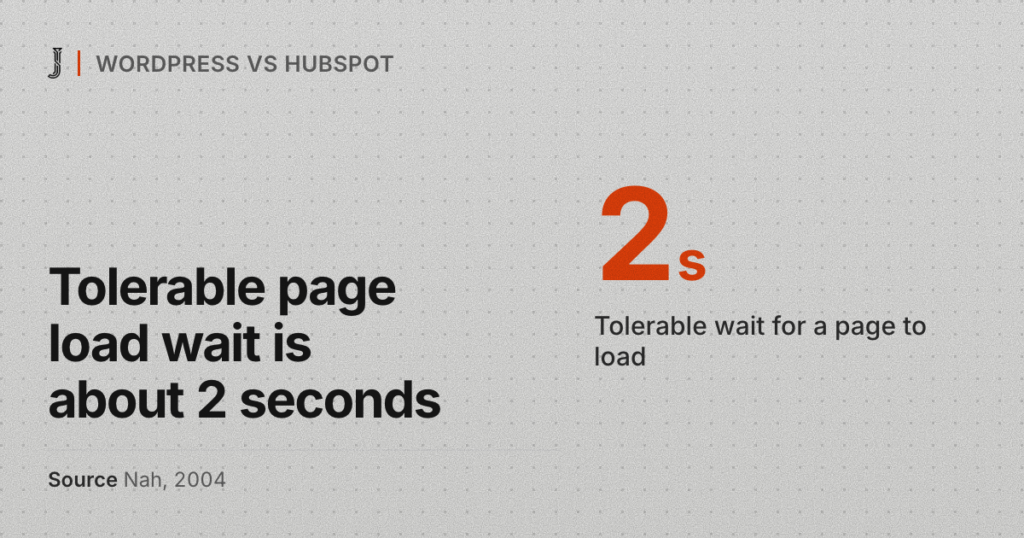
A marketing lead at a 60-person engineering firm has two quotes open. One says WordPress at $6,450. The other says HubSpot at $7,000. The WordPress vs HubSpot question looks like a software choice, so she starts comparing feature lists. It isn’t a software choice. It’s a choice about who edits the site on a Tuesday afternoon, and where a lead lands after someone fills in the form.
I build on both. Most of my B2B clients run WordPress. Snappy Kraken runs HubSpot. Y Scouts runs both at once. This is the WordPress vs HubSpot comparison I walk clients through before I quote: my prices, HubSpot’s list prices as of October 2026, what breaks on each platform, and when I’d tell you to use both.
In this guide
What are you actually choosing in WordPress vs HubSpot?
WordPress is open-source software that you install on hosting you pay for, then extend with a theme or page builder and a set of plugins that all need regular updates. Nobody charges a license fee for WordPress itself. The costs sit in hosting, premium plugins and the hours someone spends on updates.
HubSpot CMS, sold today as Content Hub, is a hosted platform. HubSpot runs the servers, the security patches and the uptime. Pages, forms, emails and the CRM sit on the same platform, so a form fill becomes a contact record with no plugin in between. You pay a monthly fee, and the templates are written in HubL, a template language that only runs on HubSpot.
So the WordPress vs HubSpot decision isn’t a feature contest. Both can publish a fast, clear B2B site. The choice comes down to who edits the pages after launch, where your sales team already keeps its contacts, and what you’re willing to pay each month for the next three years.
Who on your marketing team edits the site after launch?
This is the question I ask first in any WordPress vs HubSpot conversation. A site the marketing team can’t edit turns into a queue of small requests sent to a developer, and the pages go stale while they wait.
There’s research behind that instinct: in a 1989 study of 152 users and four programs, both how useful people found a system and how easy it was to use tracked how much they actually used it (Davis, 1989). A CMS your team finds awkward gets used less. A marketing site nobody updates stops doing its job.
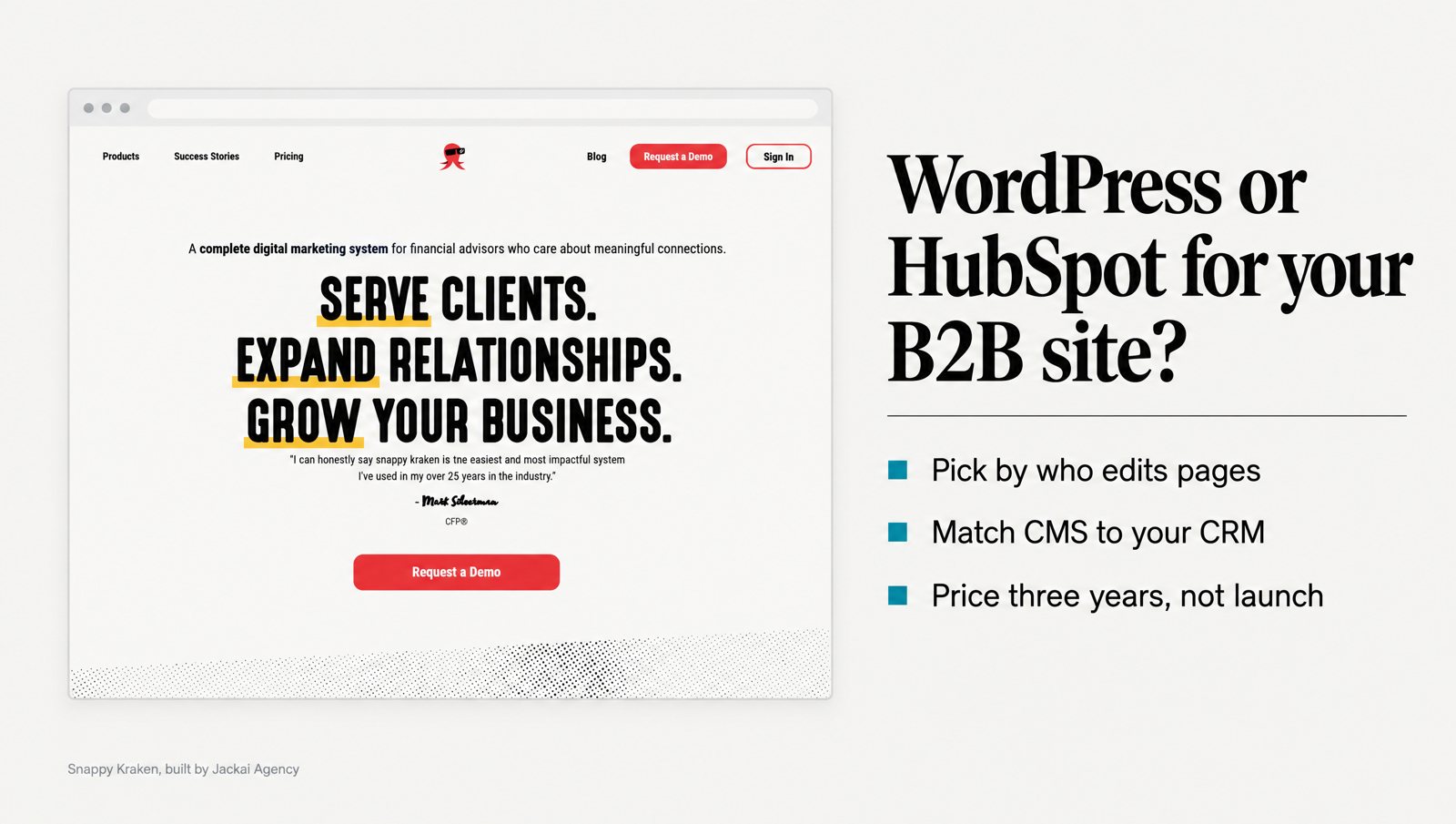
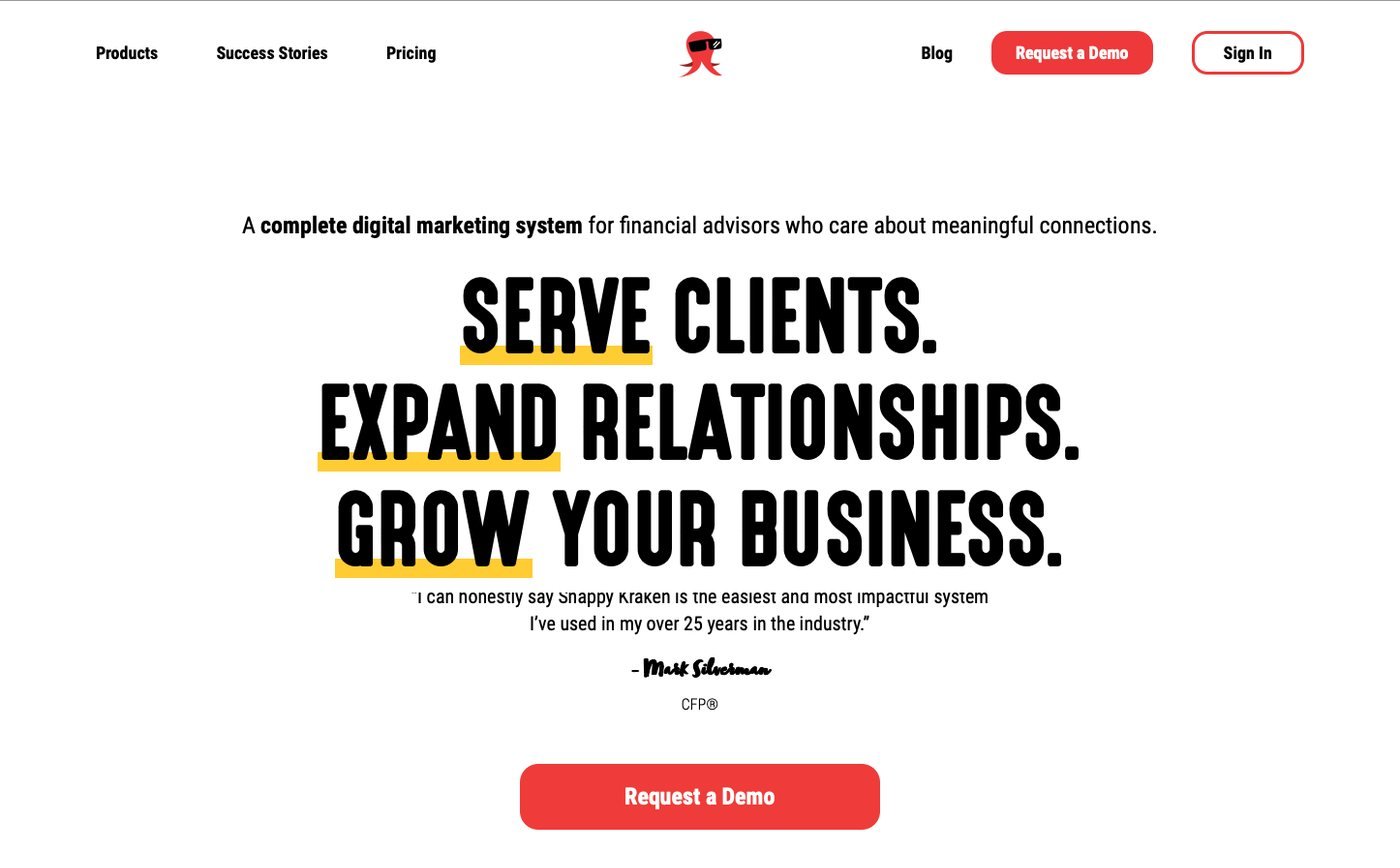
HubSpot’s drag-and-drop editor is aimed at marketers rather than developers. On the Snappy Kraken HubSpot build, for a B2B FinTech company that sells marketing systems to financial advisors, I took 6 responsive pages from Figma to production on HubSpot CMS in 3 weeks. I wrote the templates in HubL and bound them to a design system, so the in-house marketing team could ship pages without a designer.
The case study records page ownership moving from “developer required for edits” to “marketing team edits inside the design system.” It is marked not measured, and I’d rather say that than invent a number. The work influenced 7 figures of ARR, influenced and not attributed, because sales, pricing and product all moved in the same period.
A WordPress site can give a marketing team the same freedom, but it takes discipline at build time. The block editor and page builders let anyone move anything anywhere, which is how brand pages drift. On my WordPress builds I lock layouts into reusable patterns, so your marketing team changes words and images, not spacing and fonts.
The W Communications rebuild shows the WordPress side. W Communications is a Seattle strategic communications and speaking practice whose homepage served 4 audiences at once: media, clients, event bookers and readers. I rebuilt it on WordPress across 8 pages so each audience has its own path. No analytics survived the rebuild, so there’s no result number to quote.
Where does a lead go after someone fills in the form?
The second WordPress vs HubSpot question is where your contacts live. If your sales team already works in the HubSpot CRM, a HubSpot form on a HubSpot CMS page writes the contact, the source and the page straight into the record. On a WordPress site you get the same result by embedding HubSpot forms or using a form plugin that syncs to your CRM. That works, but it’s one more connection someone has to watch.
For a marketing team judged on leads, that link matters more than the page design. A case study in Industrial Marketing Management followed one B2B firm that used marketing automation to tie its content to the sales process. Behavioral targeting and personalized content helped it produce high-quality sales leads (Järvinen & Taiminen, 2016). That’s one firm, so treat it as a pattern to test, not a promise.
Y Scouts, a purpose-driven executive search firm in Scottsdale, is my clearest example. When I started, the WordPress blog and the HubSpot CRM ran as two separate systems. A reader who arrived from a post had no next step that landed in the CRM. With no UTM parameters reporting into HubSpot, the founder couldn’t tell which channel produced a lead.
Now every blog post feeds a HubSpot blog-to-lead-gen flow. The Hiring on Purpose funnel converts visitors to leads at 17.7% (166 of 938), measured in the client’s own HubSpot. The CMS didn’t change. The path from the post to the CRM did. The full setup is in the Y Scouts case study.
If your leads already arrive without a source, that’s a tracking problem, not a CMS problem, and switching platforms won’t fix it. Lead Source Reporting wires UTM parameters, form-level source capture and your CRM together on the site you already have, for CA$2,600 over 2 weeks.

What does WordPress vs HubSpot cost over three years?
Compare WordPress vs HubSpot over three years, not on launch day, because the build is paid once while the platform fee and the upkeep keep running every month after it.
My build prices for a custom B2B website of up to 5 pages are CA$8,950 on WordPress and CA$9,700 on HubSpot. Both are fixed quotes with two revision rounds per phase, and the client owns the site and the domain. The rest of my price table is on the pricing page with the quote calculator.
Here are HubSpot’s list prices for Content Hub as of October 2026, taken from HubSpot’s own pricing page. The page shows US dollars to US visitors and Canadian dollars to Canadian visitors. “From” prices are HubSpot’s wording, and credits, extra seats and add-ons cost more.
| Plan | USD a month | CAD a month | What the plan includes |
|---|---|---|---|
| Free | $0 | CA$0 | Up to 2 users, up to 30 website pages, HubSpot branding on pages |
| Starter | From $7 per seat (new-customer promotion, limited time), $20 per seat list | From CA$10 per seat, CA$26 list | Up to 30 website pages and 30 landing pages, one blog, no HubSpot branding |
| Professional | From $450, or $500 depending on billing period | From CA$585, or CA$650 | 3 core seats (extra seats from $45 or CA$59), up to 10,000 website pages, A/B testing, smart content |
| Enterprise | From $1,500 | From CA$1,950 | 5 core seats (extra seats from $75 or CA$100), multisites, content approvals, serverless functions |
Here’s a worked example using those list prices. A firm on Content Hub Professional at the $450 rate pays $16,200 over 36 months for the platform alone. If a fourth editor needs a core seat at $45 a month, the three-year platform total reaches $17,820. On Starter at the $20 list price, 3 editors cost $60 a month, or $2,160 over three years, but Starter stops at 30 website pages.
WordPress has no license fee, but it isn’t free to run. You pay for hosting and premium plugins, and someone has to apply updates every month. If that someone is me, my care plan is CA$279 an hour. The hours depend mostly on how many plugins the site carries.
On running cost alone, a WordPress site usually comes out cheaper over three years. The HubSpot CMS fee buys hosting, security patching and a CRM link you’d otherwise build and maintain. Whether that’s worth $450 a month depends on whether your team would use the CRM side anyway. My website redesign cost guide breaks down the build side in more detail.
What goes wrong on a WordPress site?
Two things go wrong most often, and both usually come from plugins.
The first is security: a 2018 study of WordPress vulnerability bulletins in the National Vulnerability Database found that plugin flaws tend to recur and can sit unnoticed for years before a fix. It also found they can often be fixed with small, local changes to the code (Mesa et al., 2018). Read that the practical way: the fix usually exists, so the real risk is the site nobody updates.
The second is speed: in a 2004 experiment, the wait people would tolerate for a web page to load while looking for information was about 2 seconds (Nah, 2004). On the WordPress sites I audit, the slow ones tend to load plugin scripts on pages that never use them. A form plugin loading on every blog post is a common case.
My rule for a WordPress site at a B2B firm: every plugin needs a job you can name, and one person owns updates by name. If nobody on your side can do that, budget for a care plan, or pick HubSpot, where patching is HubSpot’s job. When a WordPress site has already drifted into plugin sprawl, that’s usually where a WordPress website redesign starts.
What goes wrong on HubSpot CMS?
The main risk is lock-in, because HubL templates only run on HubSpot. HubSpot lists a site export feature, so your content can leave with you, but your templates and modules can’t. They get rebuilt on whatever platform comes next.
Research on cloud services names the same risk. A 2016 survey of 114 participants found that proprietary standards limit how portable an application is. The authors recommend strategies covering contracts and the choice of vendors that support standard formats and APIs (Opara-Martins et al., 2016). For a CMS, that means checking export options before you sign, not after.
The second problem is the plan ladder: Starter stops at 30 website pages and one blog. Features many B2B teams expect, like A/B testing and smart content, sit in Professional at $450 a month or more. Check which tier a feature lives in before you plan a page around it.
The third is who can work on it later, since custom work on HubSpot CMS means HubL. In my experience, the pool of HubL developers is smaller than the pool of WordPress developers, so ask who could maintain the site if your first developer left.
None of this rules HubSpot out of a WordPress vs HubSpot decision. It makes it a commitment. If you’re already on HubSpot and the site has outgrown its templates, a HubSpot CMS redesign keeps the CRM wiring and replaces the front end. Going the other way, migrating a site to HubSpot CMS with a rebuild runs CA$11,950 for 5 pages on my price table.
When should you run WordPress and HubSpot together?
More often than a straight WordPress vs HubSpot comparison suggests. The split I use: WordPress for the site and the blog, HubSpot for landing pages, forms, workflows and email. You keep WordPress’s low running cost for most of the pages, and you get HubSpot’s CRM link exactly where leads are captured.
That’s how Y Scouts runs, with two content management systems working as one publishing operation. I’ve been publisher of record across both since February 2025. I set meta titles, meta descriptions and taxonomy on every post before it goes live. Three lead-capture pages (Hiring on Purpose, Executive Interview Guide and Role Visioning) each carry one argument and one next step into HubSpot.
The cost is coordination: two logins, two template systems and two places a page can live. It works when one person holds the rhythm. When Y Scouts paused publishing in Q4, its YouTube channel fell from 4,565 monthly views in Q3 back to 483. The stack didn’t change. The cadence did.
I wouldn’t run both for a firm without a CRM, or for a site under ten pages with one contact form. One platform is easier to own, and owning it is most of the work.
Which should you pick? A WordPress vs HubSpot decision table
Find the rows that describe your firm, and if most of them point one way, that’s your answer.
| If this is true | Pick | Why |
|---|---|---|
| Sales already works in the HubSpot CRM | HubSpot CMS, or a WordPress site with HubSpot landing pages | Forms write to the CRM with no connector to maintain |
| You use no CRM, or a different CRM | WordPress | No monthly fee for CRM features you won’t use |
| Your marketing team edits every week and no developer is on staff | HubSpot, or WordPress with locked patterns | Editing has to be safe for people who don’t write code |
| You need more than 30 pages on a small software budget | WordPress | HubSpot Starter stops at 30 website pages |
| You want to own every file and host anywhere | WordPress | HubL templates only run on HubSpot |
| Nobody can own plugin updates and a care plan isn’t in the budget | HubSpot CMS | Hosting and patching are HubSpot’s job |
| Lots of blog posts, little lead capture | WordPress | Publishing cost matters more than CRM wiring |
| Lots of blog posts and several gated offers feeding sales | Both together | The blog stays cheap and capture stays in the CRM |
| Several brands or domains on one platform | HubSpot Enterprise, or WordPress multisite | HubSpot lists multisites on Enterprise only |
When rows conflict, I let the CRM row win. The lead path is the part your sales team feels every week, and in my experience it’s the hardest part to add later. For most of the firms I work with, which run from 10 to 200 staff, the WordPress vs HubSpot answer comes from that one row.
What I would not do on either platform
- Pick by the template gallery. Both platforms have good-looking themes, and the theme is the cheapest part of the site to change.
- Buy Professional for one feature. Price that feature on its own first. A single HubSpot landing page or one WordPress plugin may cover it.
- Hand a WordPress site to a team with no update owner. Plugin fixes usually exist. The risk is that nobody applies them.
- Run both platforms with two half-owners. Two systems need one named person, or you end up with two stale sites.
- Switch platforms to fix a content problem. If the pages say the wrong thing, a new CMS will publish the same wrong thing.
- Decide without your sales lead in the room. The CRM answer comes from sales, not marketing.
I put the last one last because it’s the easiest to miss. The marketing team picks the CMS, sales keeps a different CRM, and the form in the middle belongs to nobody.
What to bring to a call about your CMS
If you’re still weighing WordPress vs HubSpot, bring five answers to a 30-minute call:
- Who edits the site today, and how often.
- Which CRM your sales team uses, and who owns it.
- How many website pages and landing pages you expect to publish in a year.
- Your monthly software budget for the next three years.
- Who will own updates after launch.
I’ll tell you which platform I’d build on and what it costs, from the same price table quoted above. We also measure your starting numbers on the call (mobile conversion rate, AI-referred traffic and lead count) before any work starts. Book a 30-minute call with me.
Same pages. Same team. The WordPress vs HubSpot choice only has to fit who edits and where the lead goes.
Sources
Peer-reviewed research
- Davis, F. D. (1989). Perceived usefulness, perceived ease of use, and user acceptance of information technology. MIS Quarterly, 13(3), 319 to 340. https://doi.org/10.2307/249008
- Järvinen, J., & Taiminen, H. (2016). Harnessing marketing automation for B2B content marketing. Industrial Marketing Management, 54, 164 to 175. https://doi.org/10.1016/j.indmarman.2015.07.002
- Mesa, O., Vieira, R., Viana, M., Durelli, V. H. S., Cirilo, E., Kalinowski, M., & Lucena, C. (2018). Understanding vulnerabilities in plugin-based web systems: An exploratory study of WordPress. Proceedings of the 22nd International Systems and Software Product Line Conference, 149 to 159. https://doi.org/10.1145/3233027.3233042
- Nah, F. F.-H. (2004). A study on tolerable waiting time: How long are Web users willing to wait? Behaviour and Information Technology, 23(3), 153 to 163. https://doi.org/10.1080/01449290410001669914
- Opara-Martins, J., Sahandi, R., & Tian, F. (2016). Critical analysis of vendor lock-in and its impact on cloud computing migration: A business perspective. Journal of Cloud Computing, 5, 4. https://doi.org/10.1186/s13677-016-0054-z
Industry and vendor data (not peer reviewed)
- HubSpot, Content Hub pricing page: plan prices, seats and page limits as of October 2026, viewed in both the US dollar and Canadian dollar versions.
- Jackai Agency price table, October 2026: build, migration, care plan and Lead Source Reporting prices quoted in this post.