



























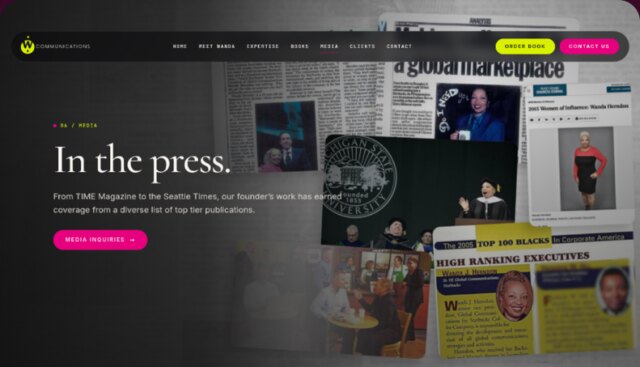


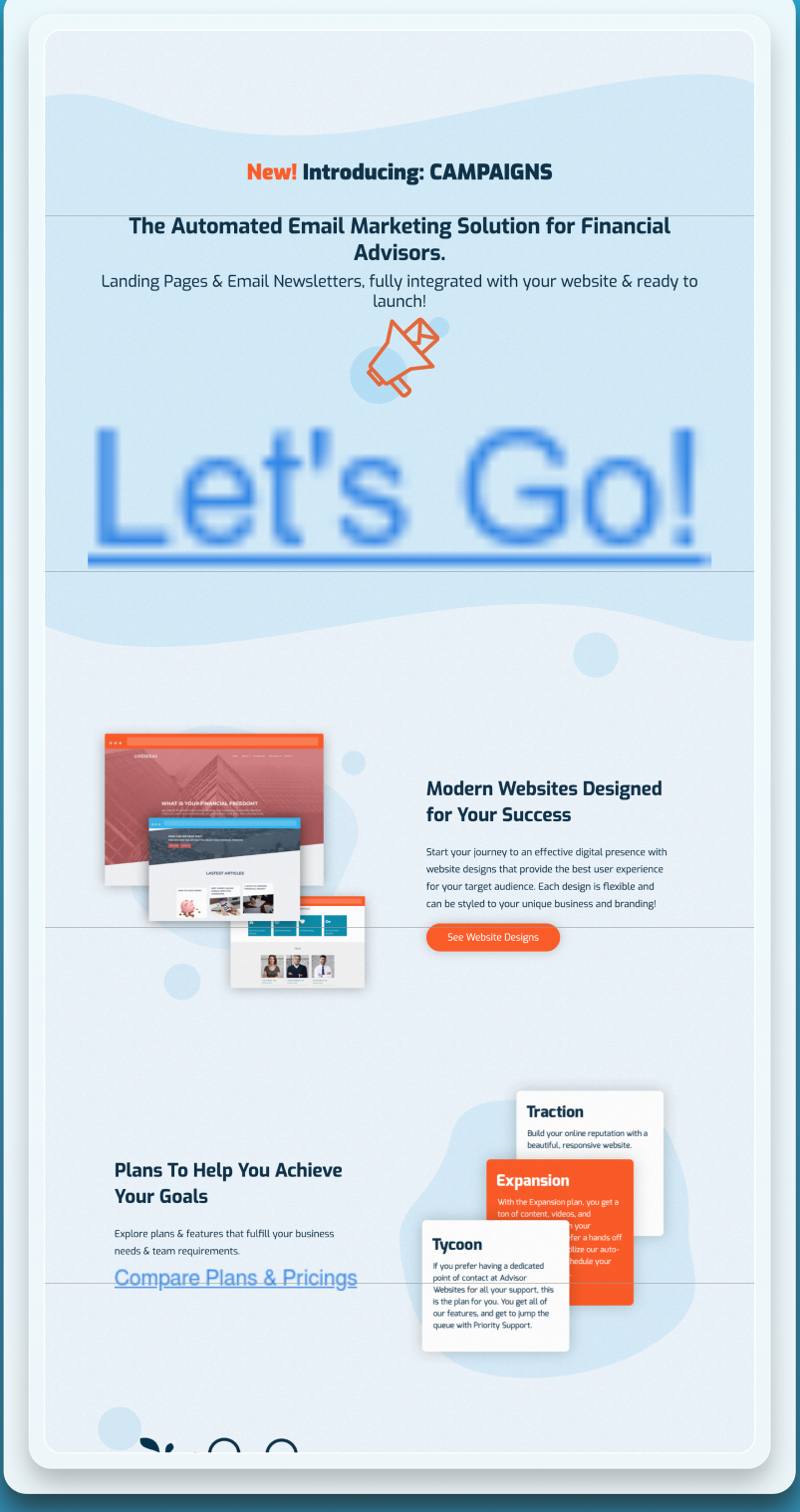
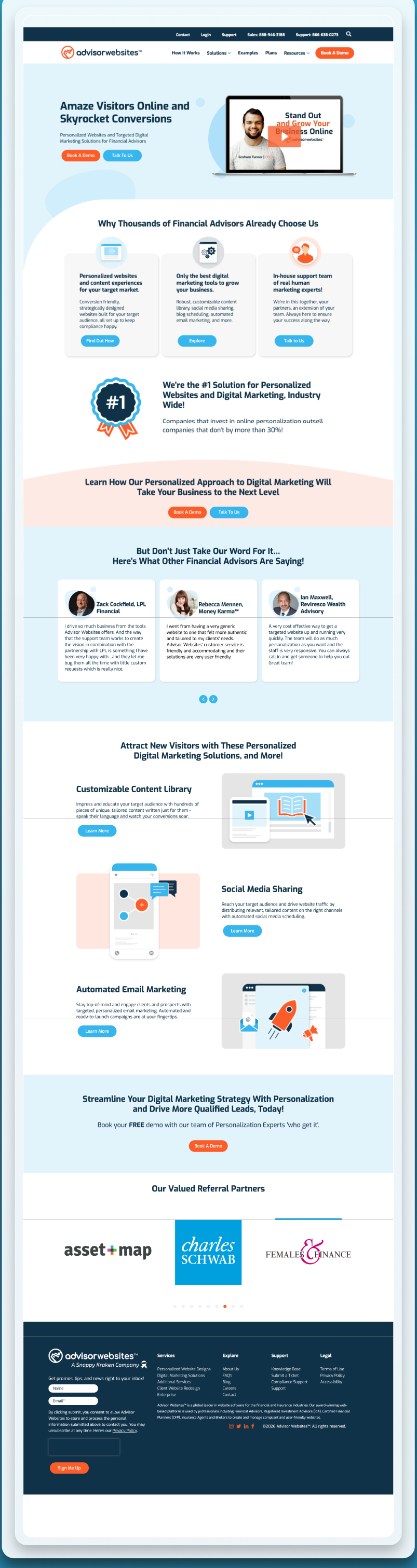
HubSpot builds, before and after
Scroll inside each frame to read the whole page.
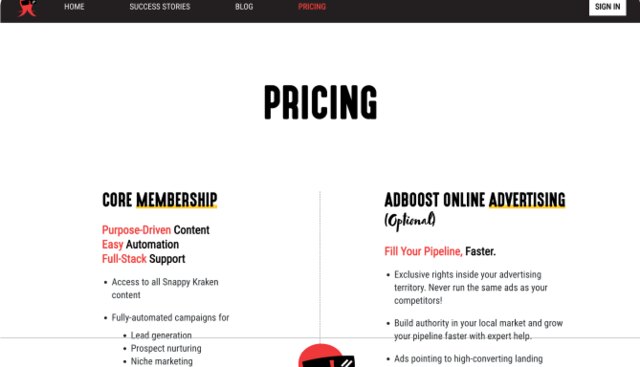
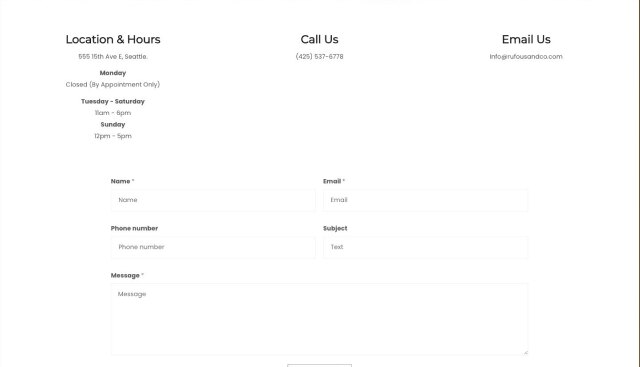
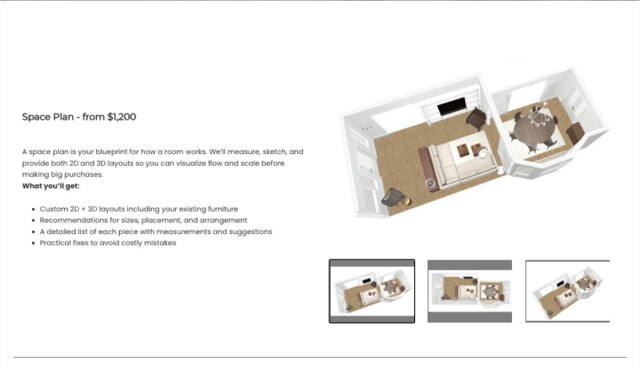
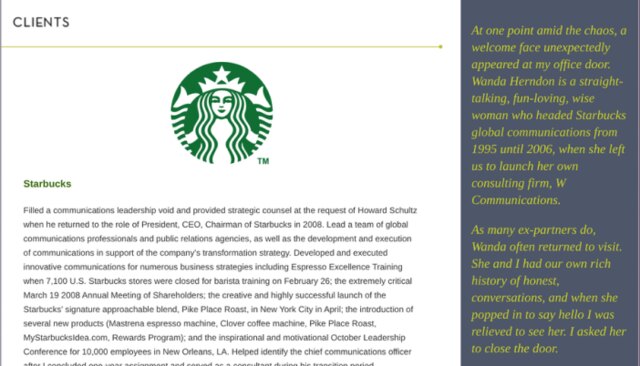
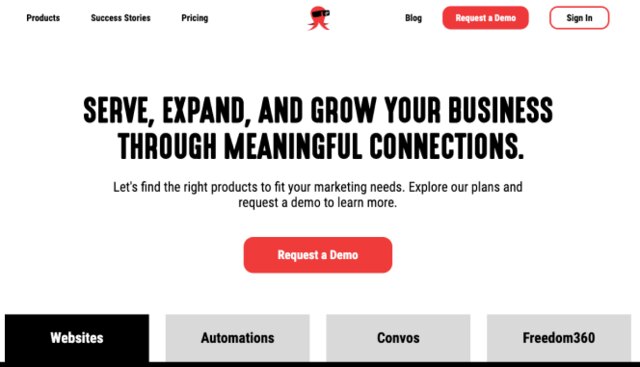
Snappy Kraken
7 figures of ARR influencedA B2B FinTech SaaS selling marketing systems to financial advisors, taken from Figma to HubSpot CMS.


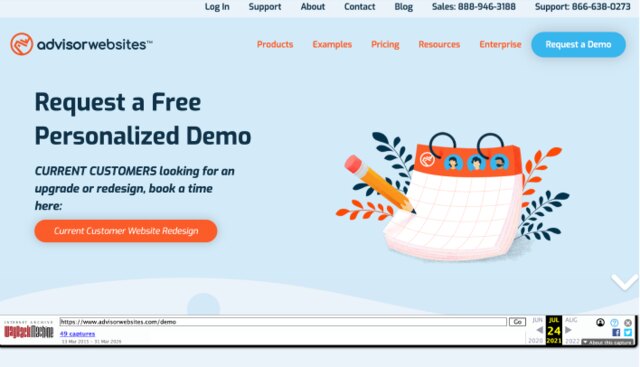
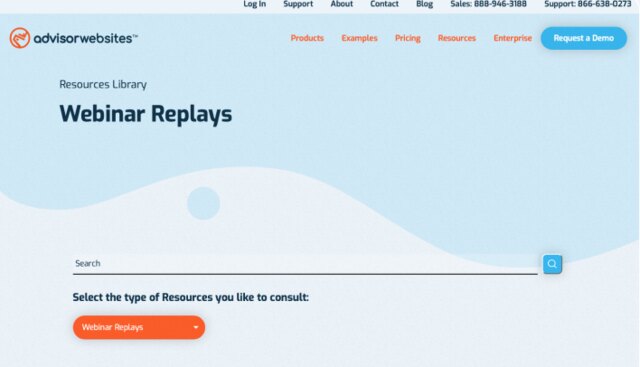
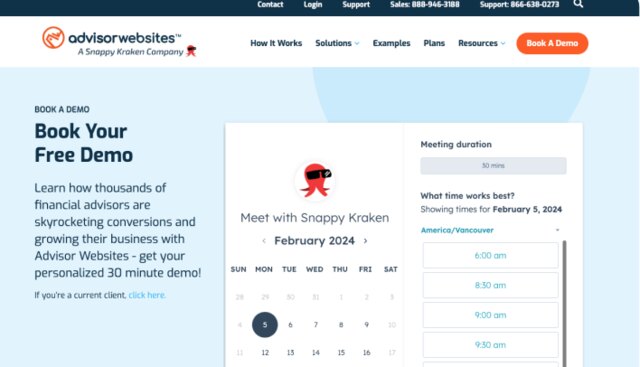
Advisor Websites
5 page types rebuiltA Vancouver SaaS platform serving financial advisors, homepage rebuilt on HubSpot.
Can you migrate a website to HubSpot without losing SEO?
Yes. A HubSpot CMS migration preserves rankings when URLs are mapped and 301-redirected one-to-one and content depth carries over. The added win is native CRM wiring: forms, lists, workflows and attribution connect at launch.
How does the migration work, step by step?
- Step 1
Portal audit and content map
What lives in the CRM, what lives on the site, what moves and what gets rebuilt as modules.
- Step 2
Template and module build
HubSpot CMS templates composed from tested blocks your team can reuse without a developer.
- Step 3
Content, URLs and schema
Content migrated, URLs mapped and 301-redirected, structured data recreated on the new stack.
- Step 4
Wire the funnel
Forms, lists, workflows and attribution connected and tested before launch, not after.
Build your quote in sixty seconds
Pick the service, answer three questions, get a fixed price. A five-page HubSpot CMS build with migration starts at CA$11,950.
Questions, answered
Why migrate the website into HubSpot?
When marketing already runs on HubSpot, moving the site into HubSpot CMS closes the loop: forms, lists, attribution and personalisation work natively instead of over a bridge of plugins.
Do we lose rankings moving to HubSpot CMS?
No. URLs are mapped and 301-redirected one-to-one, titles and content depth carry over, and Search Console is monitored through the settling window.
What is the proof you can do this?
Snappy Kraken's six-page responsive HubSpot CMS build shipped in three weeks and influenced seven figures of ARR. Advisor Websites' homepage and webinar library were rebuilt on HubSpot.
What does it cost?
A five-page HubSpot CMS build with migration starts at CA$11,950. Template count and CRM wiring move the number, and the calculator above prices it before work begins.

One senior designer, first call to launch
I am Joshua Jackai, an American designer based in Vancouver. You work with me directly on strategy, design and build. No account team, no hand-offs, and the record above is mine.
Get an EstimatePick a time. We measure your starting numbers on the call.
Mobile conversion rate, AI-referred traffic and lead count, measured before any work starts. You leave with the window and the number, whether or not you hire me.
If the calendar does not load here, the host is blocking the frame. Open it in a new tab with the link above.
