WordPress Rebuild Without Losing SEO: My Vancouver Checklist
How I rebuild a WordPress site without losing Google rankings: the baseline, the redirect map, launch checks and CAD prices.
 Joshua Jackai
13 min read
Joshua Jackai
13 min read
A WordPress rebuild without losing SEO comes down to four moves: record what ranks, 301 redirect every changed URL, carry titles and schema across, and compare Search Console against that record at day 7, 30 and 90. I am Joshua Jackai, a web designer in Vancouver, BC, and this is the checklist I use on client projects.
A WordPress rebuild is the job most of my Vancouver clients put off for two years too long. The site still loads, the forms still send, and every fix is one more plugin on top of the last one. Then a theme update breaks the home page, and the question becomes how to start over without throwing away the Google rankings the old site earned.
This post is the checklist I use on my own projects. It covers the difference between a rebuild, a redesign and a migration, when a WordPress rebuild is worth it, the redirect map that protects your rankings, what it costs in Canada in CAD, and how I check the numbers after launch.
In this guide
What is a WordPress rebuild, and how is it different from a redesign?
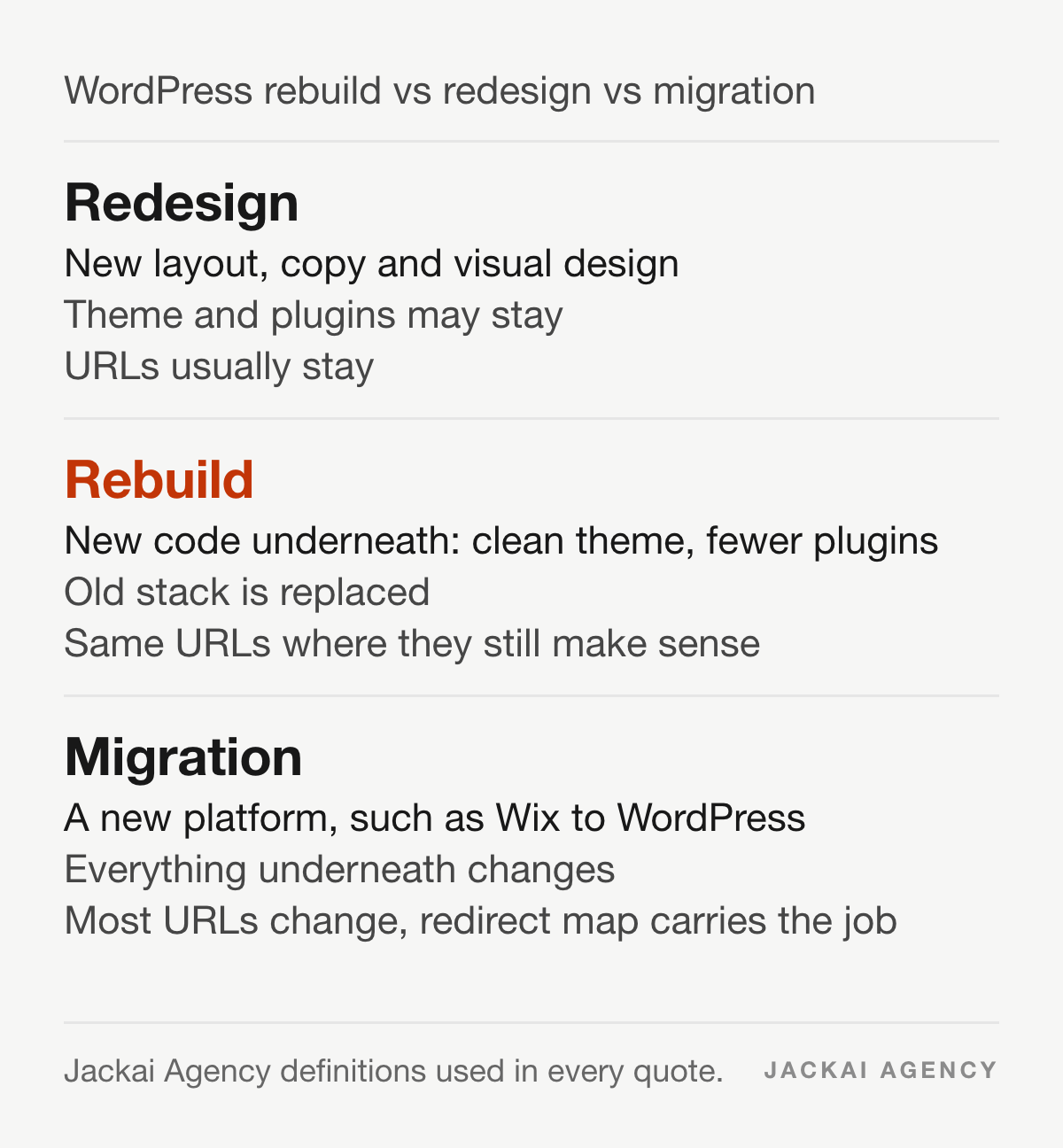
A WordPress website rebuild, sometimes called a WordPress site rebuild, replaces the theme, page builder and plugin stack with a clean build, while the domain, the content that ranks and usually the URLs stay. A redesign changes how pages look and read. A migration moves the site to a different platform.
The three get mixed up in quotes, and the mix-up is expensive. A redesign quote often assumes the old theme stays underneath. A rebuild quote assumes it goes. If your problem is a slow, fragile site that breaks on every update, a new look on the same code will not fix it.
- Redesign: new layout, copy and visual design. The theme and plugins may stay.
- Rebuild: new code underneath. On my projects that means a Bricks build with far fewer plugins, and the same URLs where they still make sense.
- Migration: a new platform, such as Wix or Framer to WordPress. Every URL usually changes, so the redirect map carries the whole job.
When does a WordPress rebuild make more sense than another patch?
A WordPress rebuild makes sense when each fix creates a new problem: updates you are afraid to run, a page builder nobody on staff can edit, or a plugin list longer than your page list. Patching works while the core of the site is sound.
There is research behind that feeling of decay. Lehman’s first law of software evolution says a program used in the real world must keep changing or become less useful over time. His second law says its complexity grows unless someone does work to reduce it (Lehman, Proceedings of the IEEE, 1980). A WordPress site with seven years of patchwork edits is a textbook case.
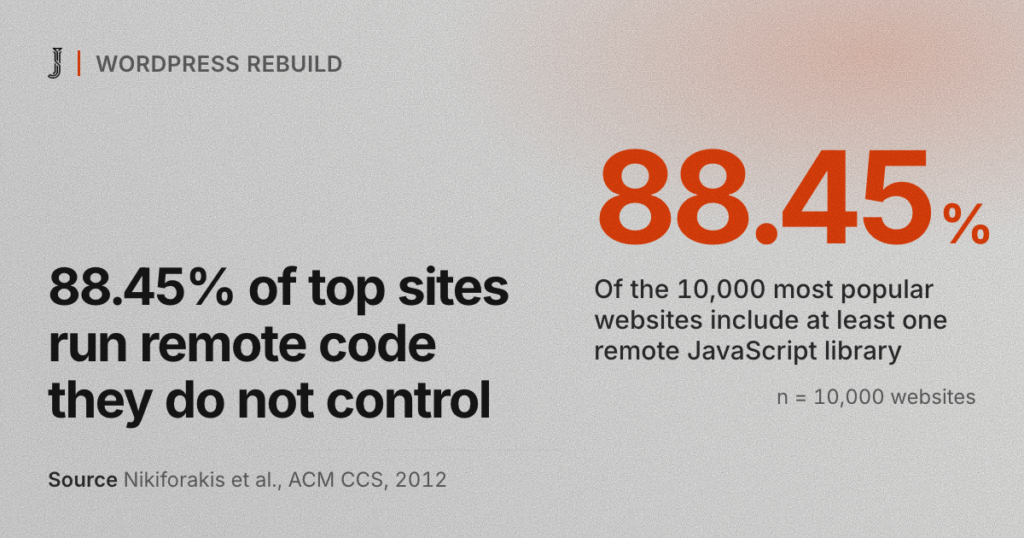
Plugins and outside scripts add to it. In a 2012 crawl, Nikiforakis and colleagues found that 88.45 percent of the 10,000 most popular websites included at least one remote JavaScript library, code the site owner does not control (Nikiforakis et al., ACM CCS, 2012). Every tracking script and externally loaded library on your site is code you trust without reading.
The signs I look for before I recommend a rebuild:
- Core, theme or plugin updates are skipped because they broke something last time.
- Two or more page builders are installed, or the theme ships its own builder.
- Your team asks a developer to change a headline.
- Mobile pages fail Core Web Vitals in Search Console and the fixes keep coming back.
- Forms send leads, but nobody can say which page or ad produced them.
If only one of those is true, I usually suggest a smaller fix or the CA$995 website audit first.
Is WordPress still worth rebuilding on in 2026?
For most Canadian B2B and professional-service firms, yes. W3Techs reported in October 2026 that WordPress runs 40.1 percent of all websites and 58.6 percent of sites whose content management system it can identify (industry data, not peer reviewed). Hiring, hosting and plugin support stay easy to find.
WordPress is not outdated, but a badly built WordPress site feels outdated. Its real downsides are the maintenance load, plugin conflicts and security updates, and a WordPress rebuild with fewer plugins cuts all three.
I move clients off WordPress only when their team lives in another tool. A marketing team that runs everything in HubSpot may be better on HubSpot CMS. A store with a big catalogue may fit Shopify better. When the platform is the problem, the job becomes one of my website migration services, and the same redirect rules apply.
How do you do a WordPress rebuild without losing SEO?
You do a WordPress rebuild without losing SEO by recording what ranks before you touch anything, keeping or 301 redirecting every URL, carrying titles and content across, and comparing Search Console against your baseline at day 7, 30 and 90. In the launches I have audited, skipped redirects were the most common cause of lost rankings, not the new design.
These are the nine steps I follow on every WordPress rebuild:
- Export the baseline. 16 months of Search Console pages and queries, top landing pages from analytics, and leads by page.
- Crawl every live URL. Pages, posts, categories, tags, PDFs and image URLs that get traffic.
- Mark the pages that earn. Any URL with clicks, backlinks or leads is protected.
- Build the redirect map. One row per old URL, one live destination each.
- Copy the SEO data. Rank Math or Yoast titles, meta descriptions, canonicals, schema and image alt text.
- Build on staging. Staging is set to noindex and password protected.
- Test the map on staging. Every old URL should return one 301 to a page that returns 200.
- Launch and remove the blocks. Clear noindex, check robots.txt, submit the sitemap.
- Compare at day 7, 30 and 90. The same numbers as step 1.
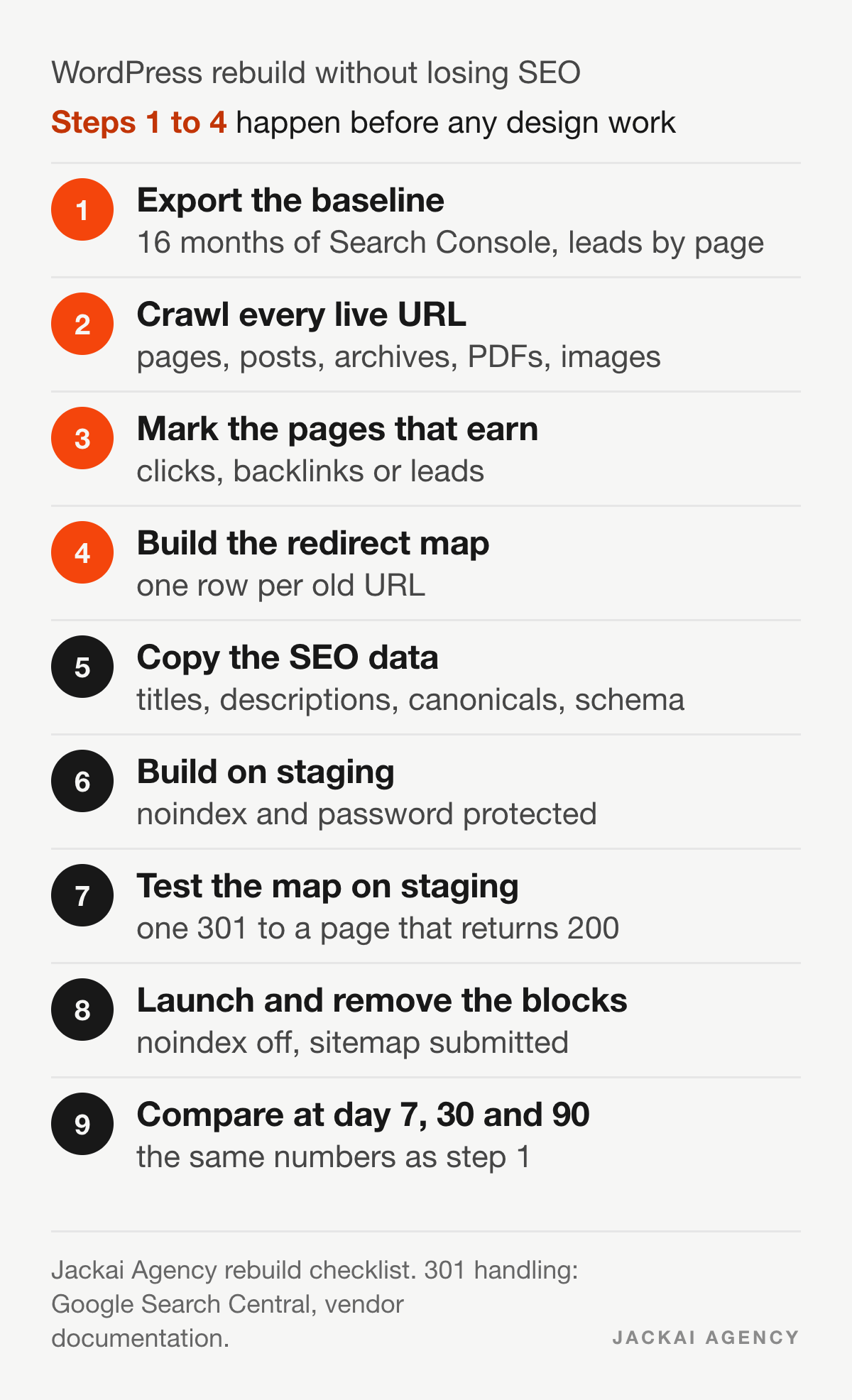
Steps 1 to 4 are most of the work. They are also the steps a cheap quote skips, because nobody sees them in the design review.
How do you build the redirect map for a WordPress rebuild?
A redirect map is a spreadsheet with every old URL in one column and its single new destination in the next. Each changed URL gets a 301, which tells search engines the move is permanent and passes the old page’s standing to the new one.
Why the redirect map carries so much weight: search engines treat links from other sites as votes for a page. Brin and Page built Google’s original ranking on that idea, counting the links pointing at each page as a measure of its importance (Brin and Page, Computer Networks and ISDN Systems, 1998). Those links point at your old URLs, and you cannot edit other people’s websites. A 301 is how their votes reach the new page.
Google Search Central states that a permanent redirect signals that the target should be the canonical page, and that server-side redirects are the most reliable kind (Redirects and Google Search, read 12 October 2026, vendor documentation).
What should a redirect map include?
- The old URL, exactly as Google indexed it, with or without the trailing slash.
- The new URL, which must return a 200, never another redirect.
- The clicks and backlinks for the old URL, so you know which rows matter most.
- Old category, tag, author and date archives, which WordPress creates on its own.
- Old media URLs under wp-content/uploads that other sites link to.
- Retired pages with no close match: send each to the nearest relevant parent page, or let it return a 404 or 410. Sending them all to the home page gives visitors and search engines no matching page.
- Internal links updated to the final URLs, so no visitor passes through a redirect.
In WordPress I add the 301 redirects through Rank Math’s redirection module or the server config, and I avoid chains. If page A already redirects to B, the new rule sends A straight to C.
What breaks rankings at launch?
Three things cause most of the drops I have fixed after other people’s launches. The staging noindex setting is copied to the live site. Old URLs return 404 because the redirect map was never loaded. Canonical tags still point at the staging domain. All three take minutes to check and weeks to recover from.
What should you keep from the old site?
Keep the URLs that earn, the page titles and headings that match how people search, the body copy on ranking pages, internal links and structured data. Change the code and layout. Rewrite ranking copy only where it is wrong.
Navigation labels matter too. Pirolli and Card’s information foraging theory describes people following “information scent”, the cues in link labels that tell them they are on the right path (Pirolli and Card, Psychological Review, 1999). Returning clients and buyers know your old menu words. Rename a section only when the new label tells them more.
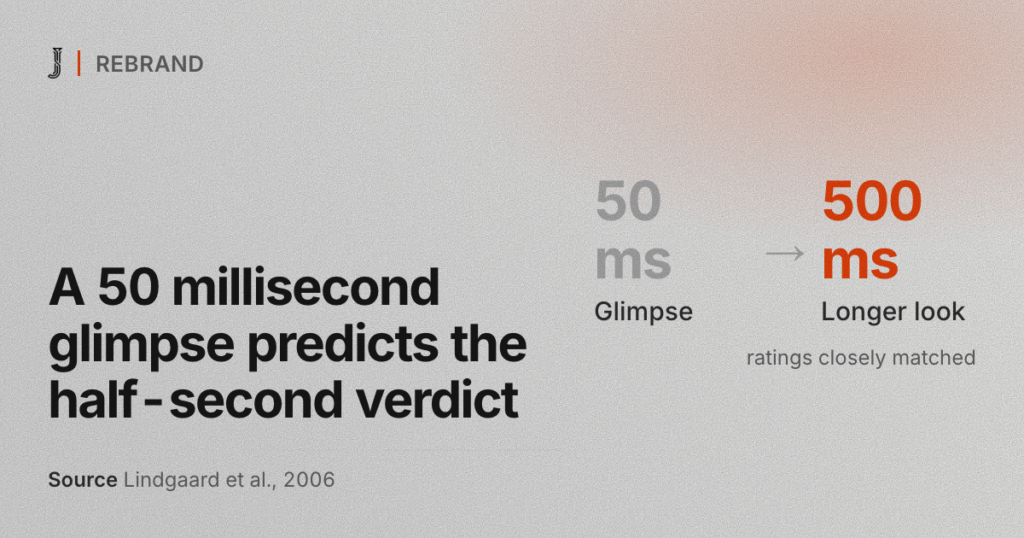
First impressions still count, and a rebuild is the time to fix them. Lindgaard and colleagues found people rate a home page’s visual appeal in about 50 milliseconds, and those ratings closely matched ratings made after a longer look (Lindgaard et al., Behaviour and Information Technology, 2006). That is why the rebuild changes the visual layer and keeps the titles, headings and URLs that earn.
Can I change my WordPress theme without losing content?
Yes. WordPress stores posts, pages, media and most SEO data in the database, not in the theme, so a theme change keeps your content. What you can lose are theme shortcodes, builder layouts, widgets and menus placed in theme-only locations.
Before I switch a theme on a client site, I search the database for shortcodes the old theme registered, because they print as raw text once the theme is gone. I export the widgets and menus, screenshot every page template, and run the switch on staging first. Rank Math or Yoast titles and descriptions stay, since they belong to the SEO plugin, not the theme.
How do I delete a WordPress theme and start over?
Activate the new theme first, then delete the old one under Appearance, Themes. Never start over by wiping the database or reinstalling WordPress: that deletes the content, URLs and SEO settings you are trying to keep.
Starting over in a WordPress rebuild means a clean theme and plugin stack on a staging copy of the same database. The old posts, pages and media come across with their URLs, and the redirect map covers any URL that changes. If you want the longer version of the redirect and ranking checks for any platform, my post on website redesign SEO covers it.
How long does a WordPress rebuild take?
A five-page WordPress rebuild with me at Jackai Agency takes 2 to 3 weeks from the day your content arrives. A custom B2B WordPress rebuild usually takes 4 to 8 weeks, set on the first call. Large sites with hundreds of posts take longer because the redirect map grows with the URL count.
The schedule rarely slips on design. It slips on content and approvals: copy that sits in someone’s inbox, or a pricing page waiting on the sales lead. I ask for one decision maker and one content owner before work starts.
How much does a WordPress rebuild cost in Canada?
A WordPress rebuild with me costs CA$5,950 for a five-page site and from CA$8,950 for a custom B2B WordPress site. A migration with a rebuild starts at CA$9,200. A move with no redesign is CA$2,500. These are fixed quotes from the Jackai Agency October 2026 price table.
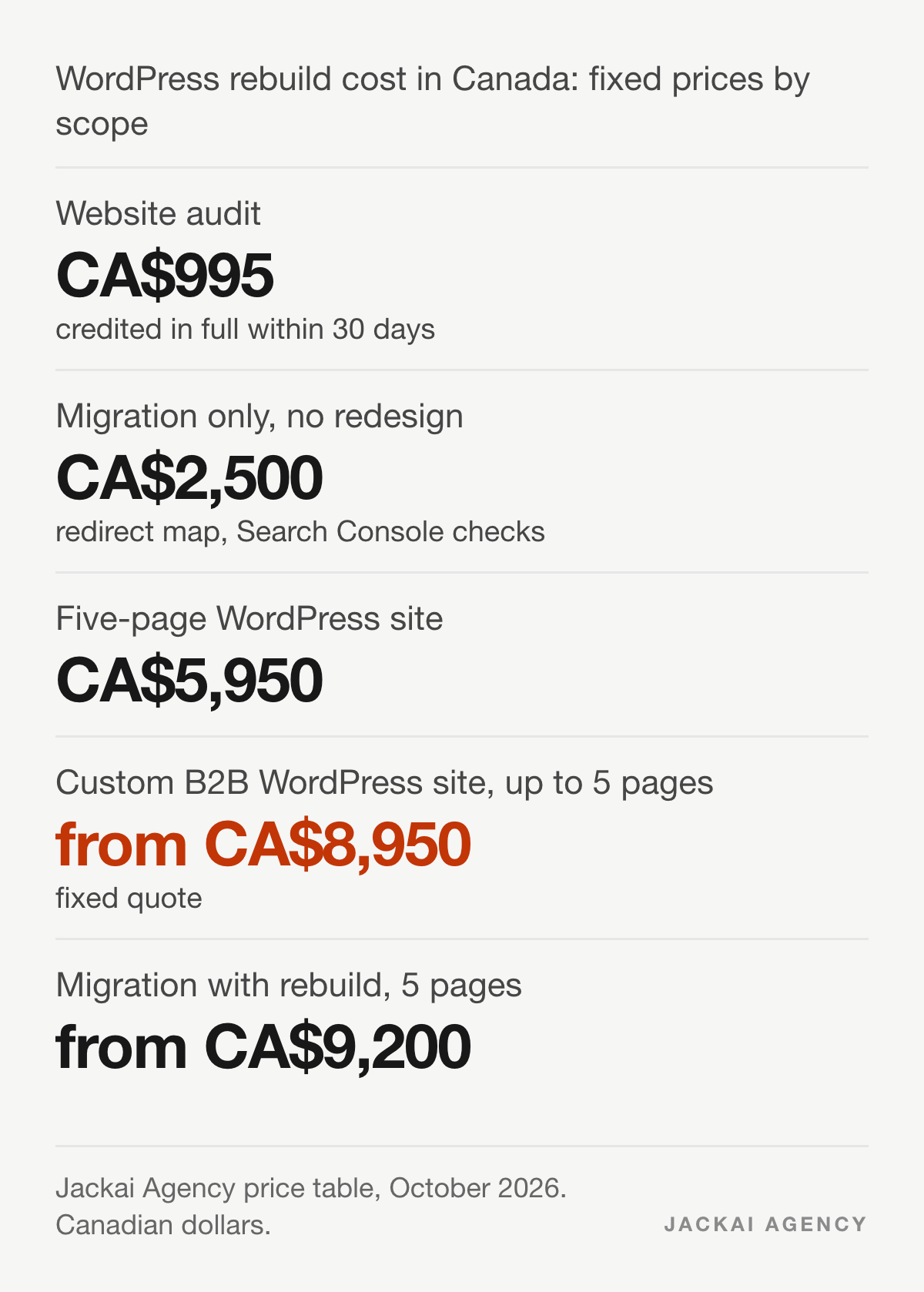
- Website audit: CA$995, credited in full if the project starts within 30 days.
- Migration only, no redesign: CA$2,500, with the redirect map and Search Console checks before and after.
- Five-page WordPress site: CA$5,950.
- Custom B2B WordPress site, up to 5 pages: from CA$8,950.
- Migration with rebuild, 5 pages: from CA$9,200.
The quote calculator shows the price for your page count. My guide to website redesign cost compares other platforms.
How much does it cost to update an existing website instead?
Updating costs less than a rebuild only when the code underneath is sound. Swapping copy, images and sections inside a clean theme takes hours, not weeks. The CA$995 audit shows which side of that line your site is on before you pay for either.
Can AI rebuild my WordPress website?
AI can draft page copy, suggest layouts and write code snippets, but it cannot judge which of your URLs earn leads or load a redirect map onto your server. I use AI tools on parts of every WordPress rebuild and check every output by hand.
I wrote up that workflow in how to redesign a WordPress website with AI. The short version: AI is fast at drafts and weak at knowing your business, so the baseline and the redirect map stay human work.
A rebuild is also the moment to make the site readable for AI answer engines: one topic per page, answers near the top, clean headings and structured data. That work sits next to SEO, not in place of it.
How do you check rankings after a WordPress rebuild?
Compare Search Console pages, queries and leads against the baseline you exported before the rebuild, at day 7, 30 and 90. In my experience a small dip in the first two weeks is common while Google recrawls. A drop that lasts past day 30 usually points to a missing redirect or a changed title.
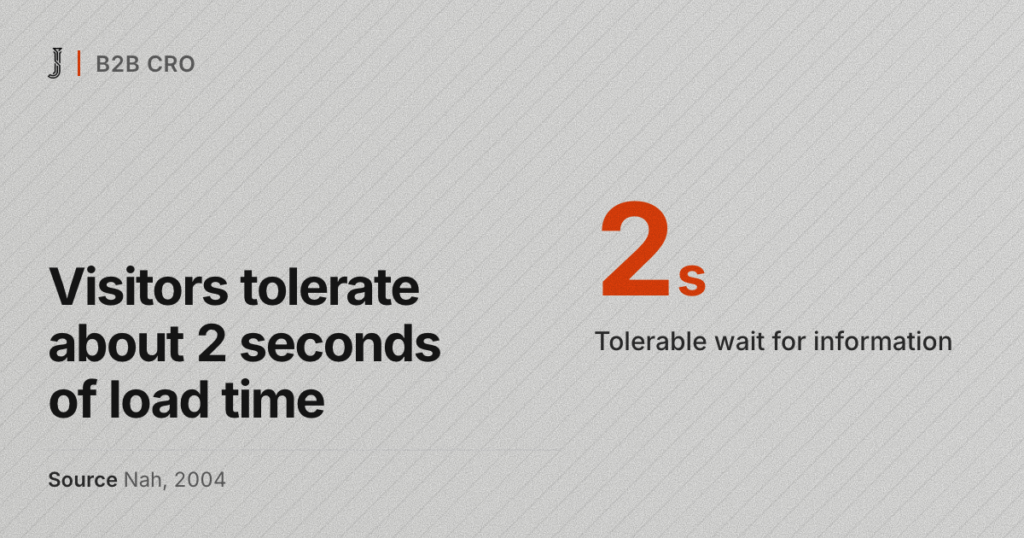
Watch speed as well. Nah found that web users’ tolerable waiting time without feedback was about 2 seconds (Nah, Behaviour and Information Technology, 2004). Galletta, Henry, McCoy and Polak found that longer page delays lowered task performance, attitudes toward the site and intention to return (Galletta et al., Journal of the Association for Information Systems, 2004). I measure mobile speed before and after, rather than promise a number.
Leads matter more than rankings. If the site ranks but forms do not record where each lead came from, add lead source reporting during the rebuild, not after it.
Should you hire an agency or do the WordPress rebuild yourself?
As a rule of thumb from my projects, do it yourself if the site has under 20 URLs, almost no search traffic and you are comfortable with staging and redirects. Hire help when the site earns leads from search, because one missed redirect can cost more than the fee.
When you compare Canadian WordPress design firms, ask each one the same questions:
- Will you export my Search Console baseline before design starts?
- Who builds and tests the redirect map, and can I see it?
- Which plugins will the new site run, and why each one?
- Can my team edit pages without breaking the layout?
- What do you check on day 7, 30 and 90?
What does a move off Wix to WordPress look like in practice?
On the S.T. Dupont Vancouver project, I moved a 290-product store from Wix to WordPress and WooCommerce on Bricks, keeping taxonomy, pricing and product copy. Wix had stopped allowing the store’s products, so it sat closed for over six months. Online sales in the first 90 days on WooCommerce were 5x the last 90 days the old Wix store could sell, with the same licence, products and store. That job was a platform migration, so the redirect map carried the whole project.

Start your WordPress rebuild with an audit
If you are not sure whether you need a WordPress rebuild or a smaller fix, start with the CA$995 website audit. I export your baseline, list the URLs that earn, and tell you which route costs less. If the rebuild goes ahead within 30 days, the fee is credited in full. Details of the full service are on my WordPress website redesign page.
Sources
Peer-reviewed research
- Brin, S., and Page, L. (1998). The anatomy of a large-scale hypertextual Web search engine. Computer Networks and ISDN Systems, 30(1 to 7), 107 to 117.
- Galletta, D. F., Henry, R., McCoy, S., and Polak, P. (2004). Web site delays: How tolerant are users? Journal of the Association for Information Systems, 5(1), 1 to 28.
- Lehman, M. M. (1980). Programs, life cycles, and laws of software evolution. Proceedings of the IEEE, 68(9), 1060 to 1076.
- Lindgaard, G., Fernandes, G., Dudek, C., and Brown, J. (2006). Attention web designers: You have 50 milliseconds to make a good first impression! Behaviour and Information Technology, 25(2), 115 to 126.
- Nah, F. F.-H. (2004). A study on tolerable waiting time: How long are Web users willing to wait? Behaviour and Information Technology, 23(3), 153 to 163.
- Nikiforakis, N., Invernizzi, L., Kapravelos, A., Van Acker, S., and colleagues (2012). You are what you include: Large-scale evaluation of remote JavaScript inclusions. Proceedings of the 2012 ACM Conference on Computer and Communications Security, 736 to 747.
- Pirolli, P., and Card, S. (1999). Information foraging. Psychological Review, 106(4), 643 to 675.
Industry and vendor data (not peer reviewed)
- W3Techs. Usage statistics and market share of WordPress. Read 12 October 2026.
- Google Search Central. Redirects and Google Search. Read 12 October 2026.
- Jackai Agency price table, October 2026, Canadian dollars.