8 B2B Conversion Rate Optimization Fixes: 2026 Handbook
Eight fixes for B2B conversion rate optimization in the order I make them, four on the platform and four on the page, with Y Scouts and Copy Chief results, a symptom filter and a lead-loss calculator.
 Joshua Jackai
21 min read
Joshua Jackai
21 min read
Published 15 April 2026 · Last updated and fact-checked 27 October 2026
Short answer: B2B conversion rate optimization works best in eight fixes, platform first and page second: make forms reach a person, carry the lead’s source, load fast, let your team edit, then sharpen the first screen, proof, service pages and ask. In a study of 337 companies, the best performers had strong structural links between marketing and sales (Homburg et al., 2008).
A practice manager in Seattle fills in a consultancy’s contact form on a Friday. The page says thanks. The alert goes to an inbox nobody checks. By Tuesday she has hired someone else. No headline test would have saved that lead, and that gap is where conversion rate optimization on B2B sites usually goes wrong.
Most advice starts with the page: a new hero, a new button, a shorter form. Sometimes that is right. More often the leak sits underneath, in the platform the site runs on and the path a lead takes to your sales team.
I design and build sites for B2B and professional-service firms, with clients in Vancouver, Seattle, the UK, Arizona and Florida. WordPress, HubSpot, Framer and Shopify each break that path in their own way. This guide covers eight fixes in the order I make them, four on the platform and four on the page. Prices are in Canadian dollars, and the sister guide on demanddesigner.com covers the same topic for US teams.
In this guide
Key takeaways
- Fix the platform before the page. A form that loses one lead in five means every test you run is measured through a leak.
- Show form errors after people finish, not instantly. In two studies with 77 and 90 participants, late errors worked better (Bargas-Avila et al., 2007).
- Aim for a Largest Contentful Paint of 2.5 seconds or less. Nah found tolerable waits of about 2 seconds (Nah, 2004).
- Y Scouts converts visitors to leads at 17.7% (166 of 938) on a HubSpot funnel rebuilt with UTM tracking.
- Copy Chief’s Escape Velocity landing page converted at 10.1%, and each acquisition cost $22 instead of $42.
- Judge results in the CRM against qualified leads and first meetings, not against a benchmark.
| Fix | Layer | What changes | Typical effort |
|---|---|---|---|
| 1. Forms reach a person | Platform | Test, reroute and store every entry | 1 day |
| 2. Lead carries its source | Platform | UTM tags and hidden fields into the CRM | 2 weeks |
| 3. Fast service pages | Platform | Remove weight, review hosting | 1 week |
| 4. Team edits without a developer | Platform | Reusable components, locked styles | 3 weeks |
| 5. One next step up front | Page | One primary action on the first screen | 2 days |
| 6. Proof beside the claim | Page | Move evidence next to what it backs | 1 day |
| 7. Scope, process and price | Page | Rewrite service pages | 1 week |
| 8. Ask matches the sale | Page | Calendar, brief or demo, not all three | 2 days |
What does conversion rate optimization mean for a B2B services firm?
Conversion rate optimization is the work of raising the share of visitors who take the step your business needs next. For a consultancy, a law firm or a B2B software company, that step is rarely a purchase. It is a first conversation with someone your sales team wants to talk to.
So the definition comes from your own sales process, not from a benchmark. Before I change anything, I ask whoever takes the first call: what makes a lead worth an hour of your time? The answer becomes the rule for counting qualified leads.
Then I count four numbers on the service pages. Here is a made-up example. The pages get 1,500 visits a month. Thirty people submit a form, so form conversion is 2%. Sales accepts 12 of them as qualified leads, which is 0.8% of visits. Eight book a first meeting.
Each gap points at a different fix. Low form conversion is a page or form problem. A big drop from submissions to qualified leads means the page attracts the wrong people. A drop from qualified leads to meetings points at follow-up, which is a platform and process problem, not a design one.
That is why a change that doubles form fills and halves lead quality is a loss. The number that pays your invoices is qualified leads who become meetings.
“The number that pays your invoices is qualified leads who become meetings,” wrote Joshua Jackai, Vancouver web designer.
1. Make every form reach a person: the test I run first
Test the form before you test anything else. Submit every form from a phone, with a personal email address, and time how long the alert takes to reach a human. It is the cheapest B2B conversion rate optimization check there is, and in my audits it finds a fault more often than it should.
- Where it sits: platform, affects every page at once
- Test: submit from a phone, time the alert
- Fields to keep: name, work email, company, one open question
- Effort: about 1 day
- Check on every platform: the entry is stored, not only emailed
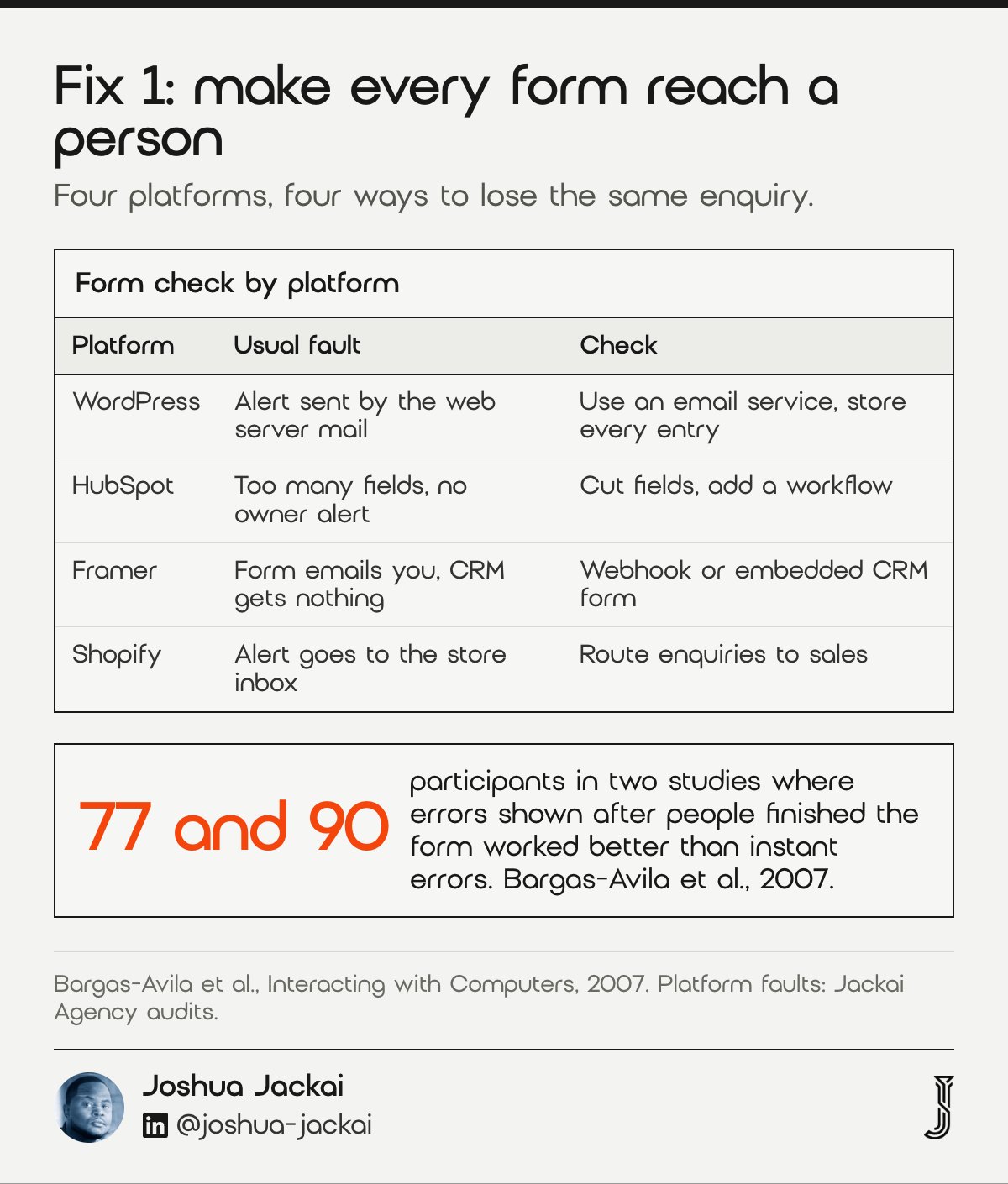
Form conversion fails differently on each platform. On WordPress, form plugins often send alerts through the web server’s own mail, which spam filters distrust; use a proper email sending service and store every entry so a lost alert is not a lost lead. HubSpot’s native forms create a contact with its source attached, and the usual faults are too many fields and no workflow alerting an owner. Framer’s built-in form can email you, but a CRM needs the data passed on, so embed the CRM’s own form or send it through a webhook and check the source fields arrive. A Shopify theme’s contact form emails the store inbox, which suits order questions and weakens a service enquiry that needs a brief and a source.
Then cut fields. Ask for what sales needs to prepare the first call and let the call sort qualified leads from the rest. Finally, fill the form in wrong on purpose and watch what happens. In two studies with 77 and 90 participants, showing errors after people finished the form worked better than flagging them instantly, and people often ignored the instant messages (Bargas-Avila et al., 2007).
“A form that works in a demo and drops one lead in five is the most expensive form on your site,” wrote Joshua Jackai, Vancouver web designer.
2. Carry the lead’s source into the CRM: the chain that proves what works
A submitted form is half a conversion. The other half is a lead record sales can act on: who it is, what they asked, where they came from and which page they converted on. When that record arrives empty, nobody can tell which work produced the qualified leads.
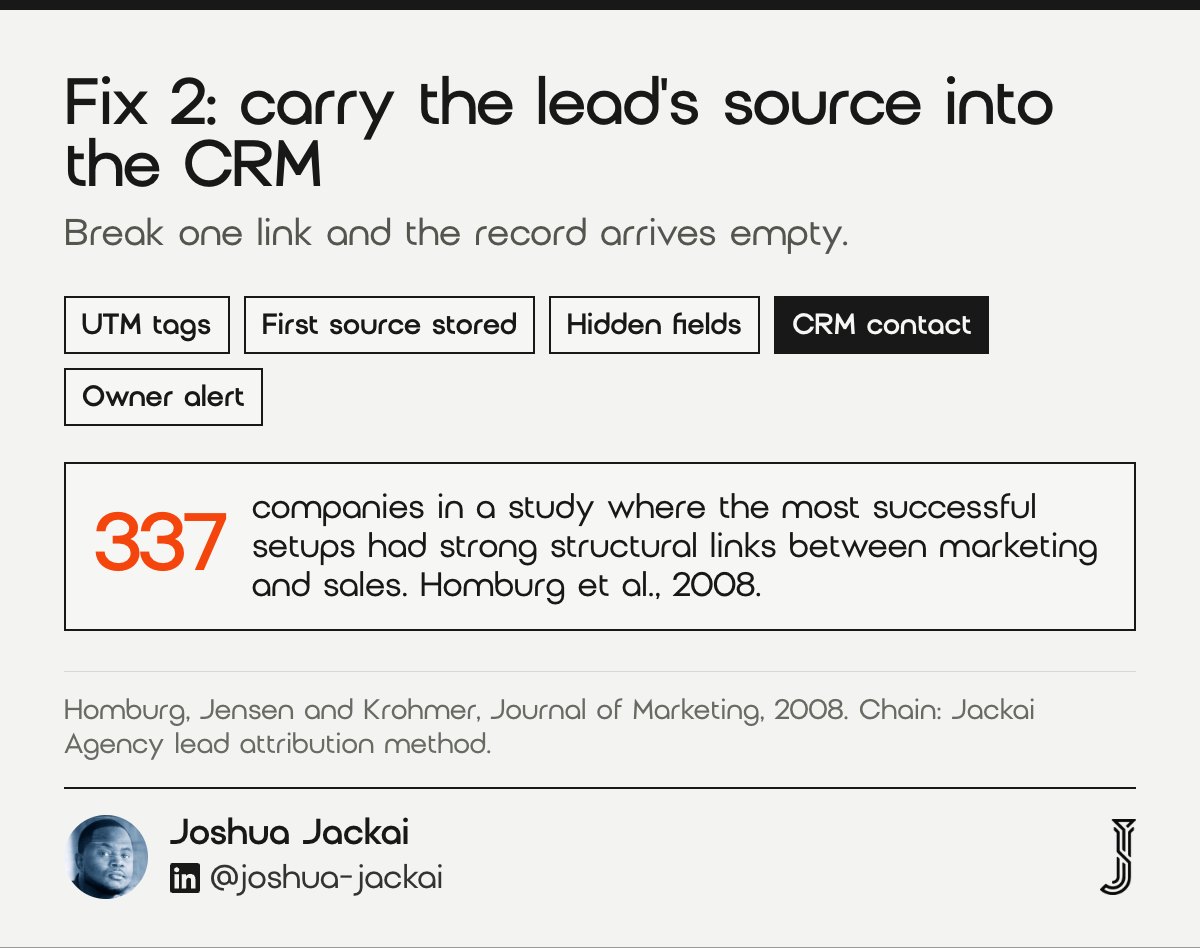
- Chain: UTM tags on links you control, first source stored in the session, hidden fields into the CRM
- AI referrals: ChatGPT and similar tools get their own channel, not “direct”
- Owner: one named person, an alert and a reply inside one business day
- Effort: about 2 weeks (CA$2,600 as Lead Source Reporting)
- Break point: one missing hidden field breaks the whole chain
The lead attribution method I install fixes this as a chain. Every link you control carries UTM tags. A small script stores the first source and landing page in the visitor’s session. Hidden fields pass those values into the CRM. The platform decides how much wiring that takes: HubSpot forms write straight to HubSpot contacts, a WordPress form plugin needs a connector with each hidden field mapped by hand, and Framer and Shopify need a webhook or an embedded CRM form. My GA4 lead tracking guide covers the analytics side.
Then route the lead. A fast page that hands a lead to a slow inbox still loses it. This is the least visible work in the whole list, and the part sales notices first.
The research points the same way. A cross-industry study of 337 companies in the European Union found the most successful setups had strong structural links between marketing and sales (Homburg et al., 2008). In a firm of 10 to 200 people, that link is a shared definition of qualified leads and a handoff that is wired, not remembered.
“A fast page that hands a lead to a slow inbox still loses it,” wrote Joshua Jackai, Vancouver web designer.
“Little is known about the interface between separate marketing units and sales units,” wrote Homburg, Jensen and Krohmer of the University of Mannheim and WHU in the Journal of Marketing, 2008.
3. Load service pages in 2.5 seconds on a phone: speed is conversion work
Speed is conversion rate optimization for every page at once, because a slow service page loses the visitor before the headline, the proof or the form can do anything. Fast enough means nobody waits: in an experiment, Nah found that people’s tolerable wait for information was about 2 seconds, and that progress feedback stretched it (Nah, 2004).
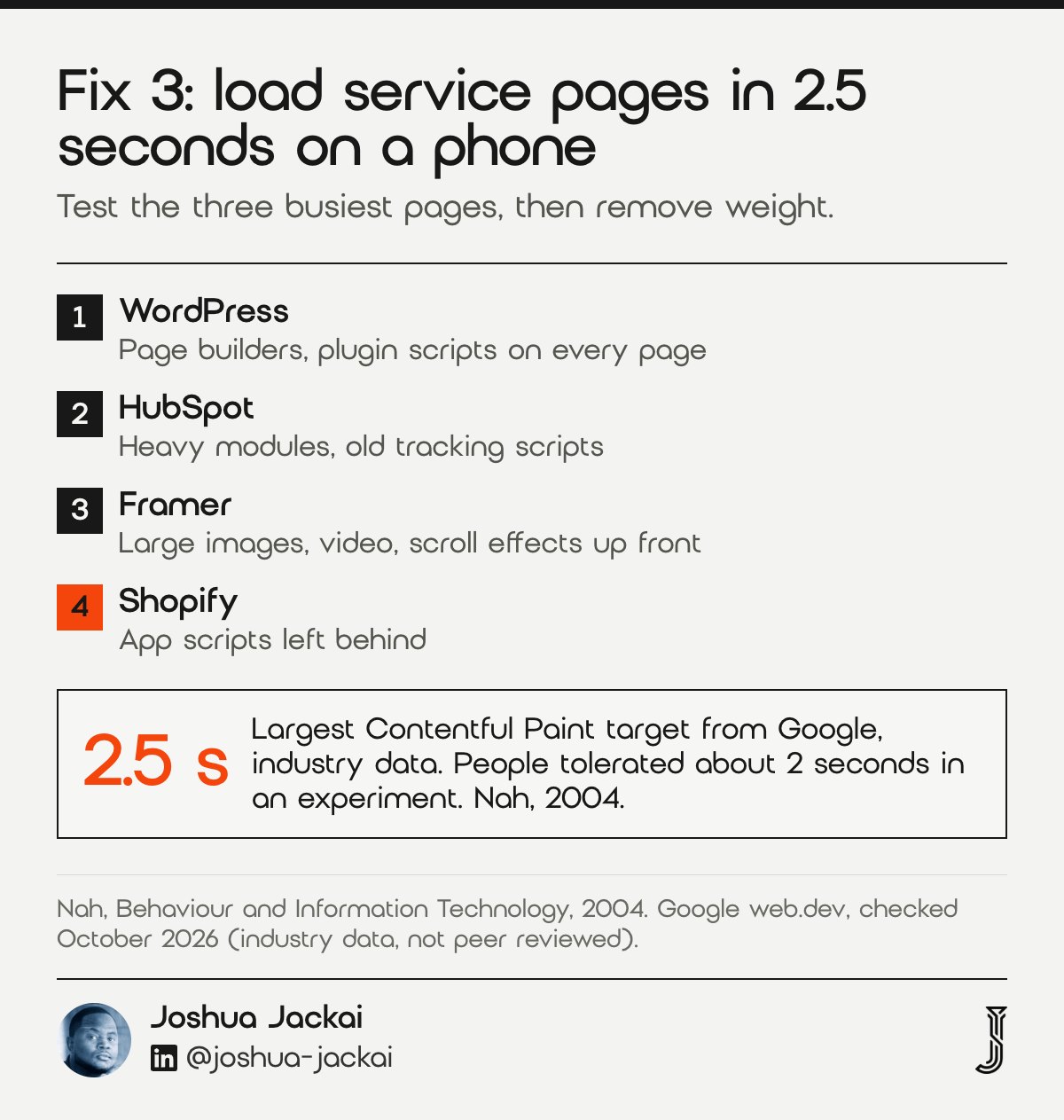
- Target: Largest Contentful Paint of 2.5 seconds or less (Google, industry data)
- Test: the three busiest service pages in PageSpeed Insights, mobile
- Usual weight: page builders, old tracking scripts, uncompressed images, cheap hosting
- Effort: about 1 week, billed on the care plan at CA$279/hr
- Often forgotten: chat widgets, cookie banners and heatmap tools
Google’s guidance (industry data, not peer reviewed) calls Largest Contentful Paint, the moment the main content appears, good at 2.5 seconds or less. I run the three busiest service pages through PageSpeed Insights on mobile, then look for the weight each platform tends to carry. WordPress carries page builders that add layers of markup, plugins that load scripts on every page, uncompressed images and cheap hosting. HubSpot carries heavy modules, embedded video and tracking scripts left over from past campaigns. Framer carries large images, video backgrounds and scroll effects on the first screen. Shopify carries app scripts still installed long after anyone used the app.
Chat widgets, cookie banners and heatmap tools sit on top of all four, so ask whether each one still earns its load time. Scale makes it harder. For VTM UK, a B2B electronics distributor, I built a 1,546-item catalogue on WordPress and Elementor between February and May 2026. At that size, a script added for one page can load on every product page unless someone limits where it runs.
4. Let your team edit without a developer: the cadence fix
Conversion rate optimization is a cadence of small changes. If each change needs a developer ticket and a two-week wait, you will make three changes a year and learn almost nothing. The test is simple: can a marketer swap a headline or publish a new service page in an afternoon without breaking the design?
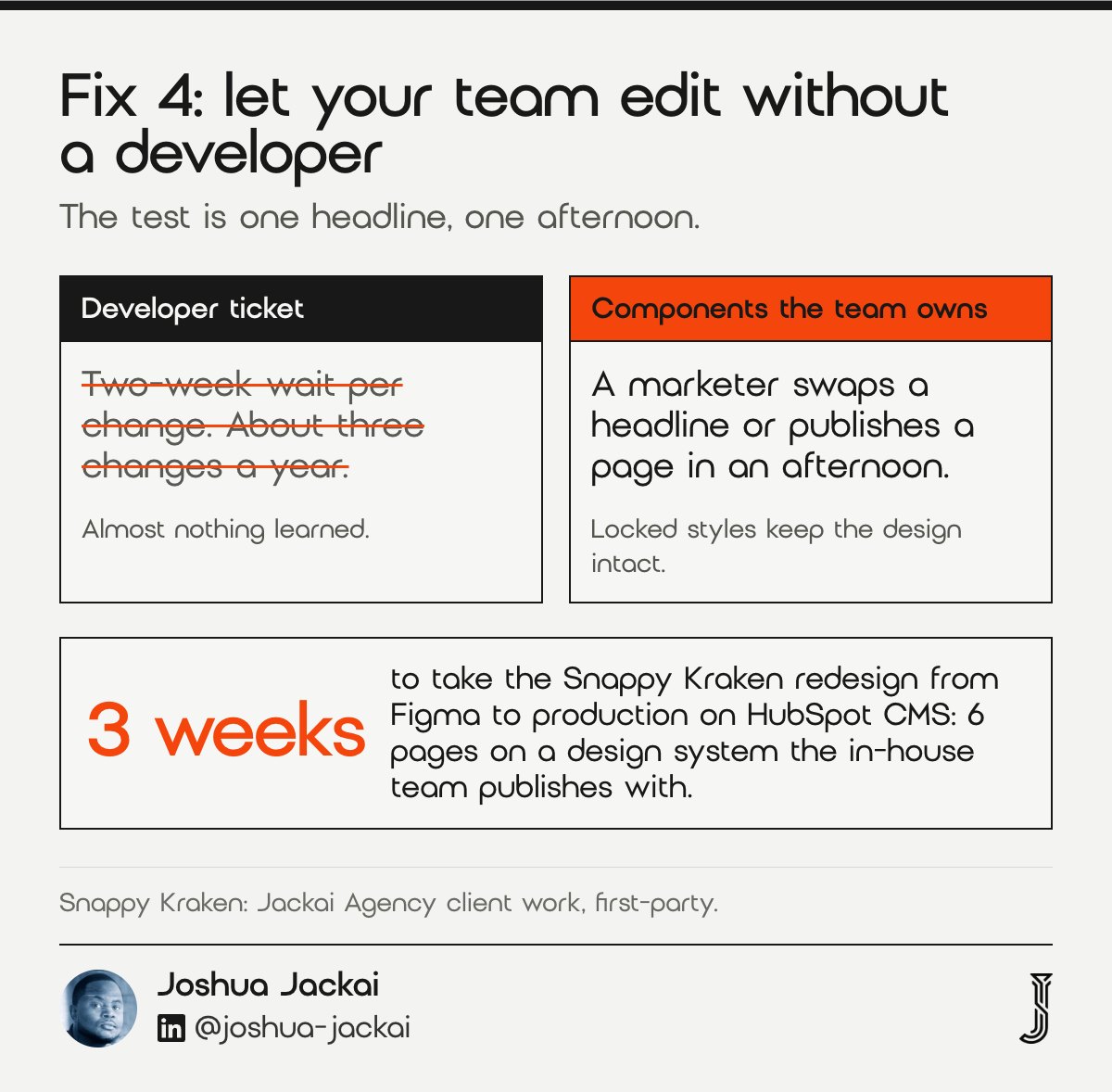
- Test: one headline swap, one new service page, one afternoon
- WordPress: reusable components with locked styles
- HubSpot: themes and modules do that job
- Effort: from CA$7,450 on Framer to CA$9,700 on HubSpot for a rebuild of up to 5 pages
- Proof: Snappy Kraken, 6 pages in 3 weeks; Advisor Websites, a replay template
Snappy Kraken, a B2B FinTech SaaS selling marketing systems to financial advisors, had a roadmap bigger than its marketing team could build. I took the redesign from Figma to production on HubSpot CMS in 3 weeks: 6 pages on a design system the in-house team publishes with, no designer needed. The Snappy Kraken redesign influenced 7 figures of ARR (annual recurring revenue). Influenced, not attributed: sales, pricing and product moved in the same period.
Advisor Websites, a Vancouver SaaS platform for financial advisors, built every webinar replay page by hand, so marketing could not publish one without a developer. I built the replay page as a template the team fills, inside a replay library. The Advisor Websites results, +58% organic traffic and +28% MQL (marketing-qualified lead) conversion, came from the replay library and opt-in templates. My WordPress vs HubSpot comparison covers which suits which team. The practical rule is that the page types you change most, service pages and campaign pages, should be built from parts your team already knows how to move, and the rest can stay fixed.
5. Put one next step on the first screen: judged in a blink
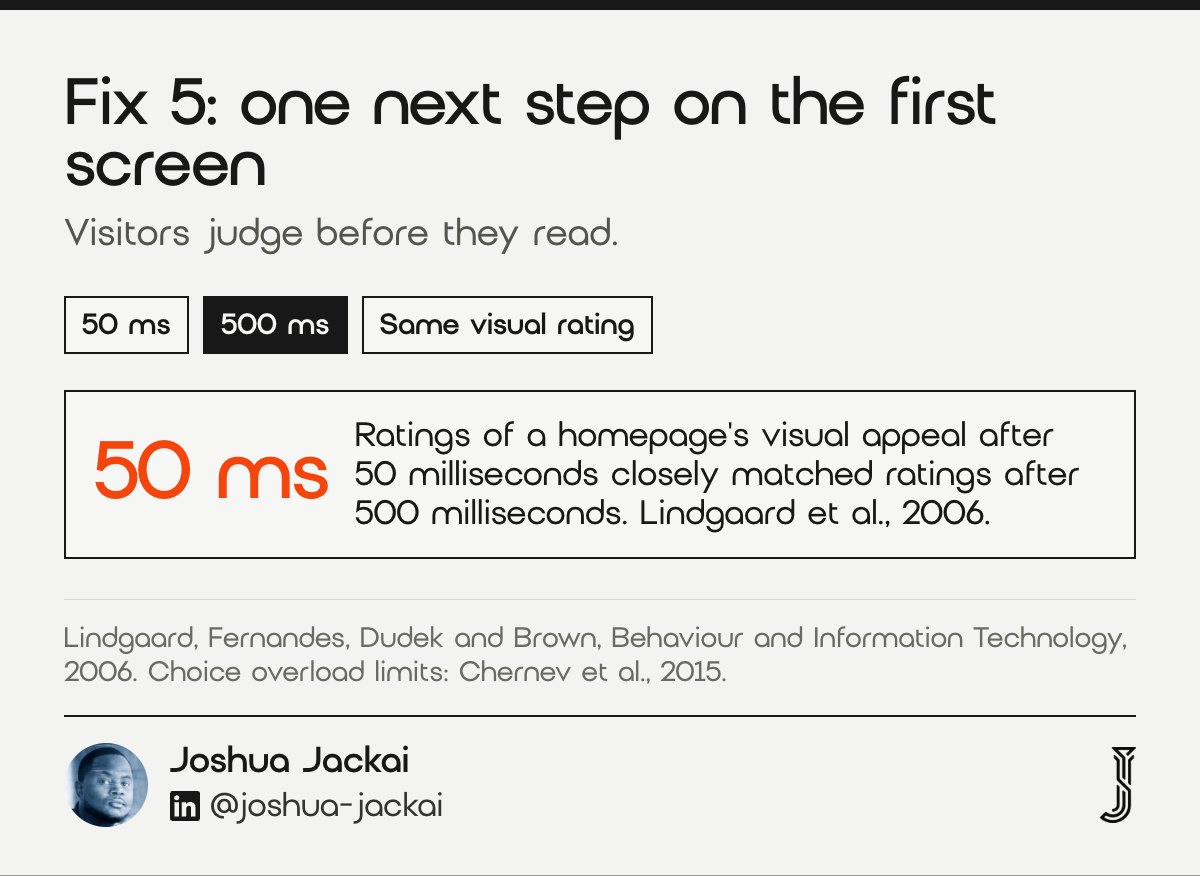
Once leads arrive with their source, on fast pages your team can edit, page-level work starts to pay back. It begins with the first screen, which visitors judge before they read it. In studies by Lindgaard and colleagues, ratings of a homepage’s visual appeal after 50 milliseconds closely matched ratings after 500 milliseconds (Lindgaard et al., 2006).
- Rule: one primary action, one route into deeper content
- Phone: form or button near the top of the screen
- Evidence: 6 options beat 24 or 30 in the jam and chocolate studies, with limits
- Effort: about 2 days
- Detail: hero section design
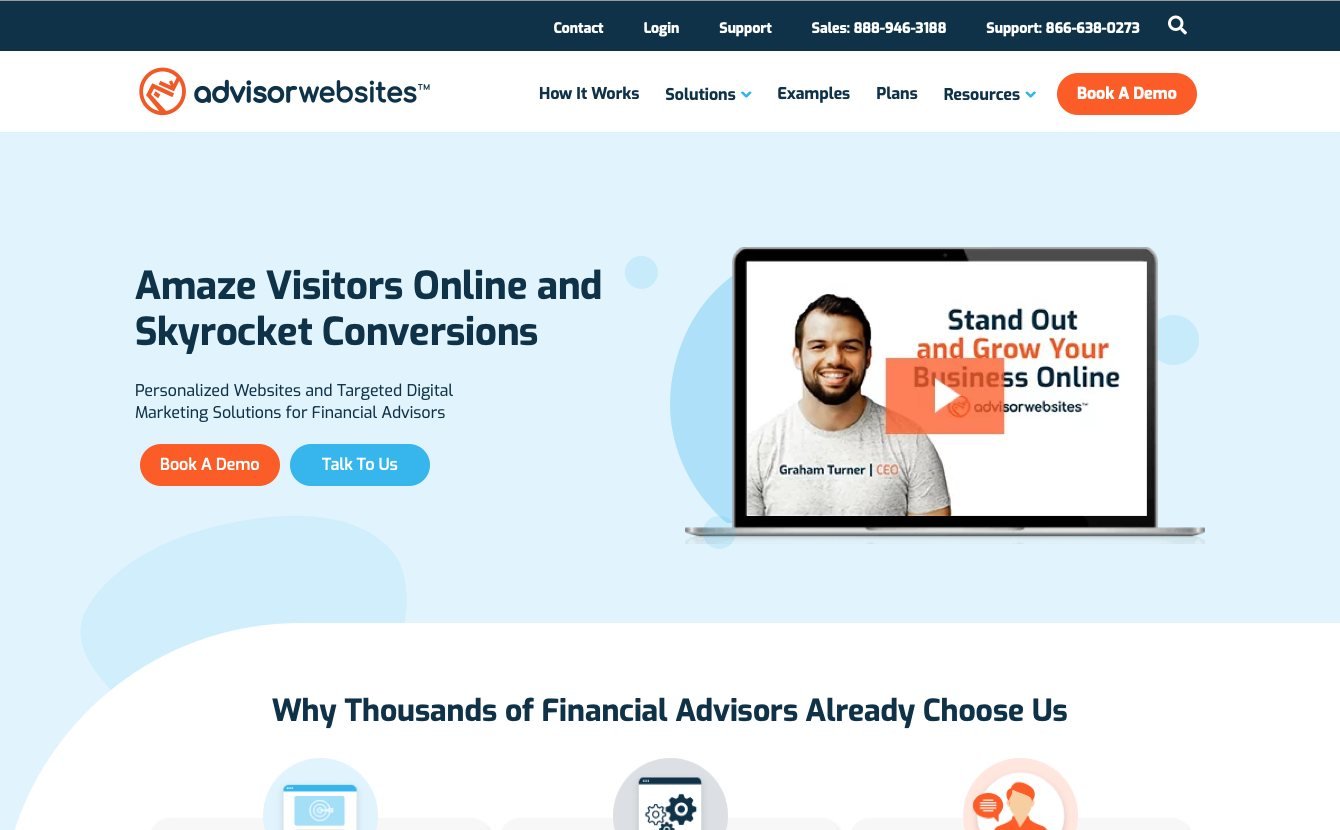
The Advisor Websites homepage had several competing actions and no route back to the webinar a visitor came from. The rebuild has 1 primary action and a visible route into the replay library. Fewer options help: Iyengar and Lepper found people were more likely to buy jams or chocolates from a set of 6 than from a set of 24 or 30 (Iyengar and Lepper, 2000).
The effect is not universal. A meta-analysis of 99 observations found choice overload depends on how complex the options are, how hard the decision is, how sure people are of what they want, and their goal (Chernev et al., 2015). A first-time buyer of professional services is often unsure.
Check the phone layout too. In data from a microblogging service, browsing cost more effort on phones, and links at the top of the screen were especially likely to be clicked there (Ghose et al., 2013). Keep the form or its button near the top.
“choice set complexity, decision task difficulty, preference uncertainty, and decision goal,” wrote Chernev, Böckenholt and Goodman in the Journal of Consumer Psychology, 2015.
6. Put proof beside the claim it backs: no scrolling for evidence
Evidence that sits three scrolls away from the claim it supports does not do its job. If your page promises a six-week build, the evidence for six weeks belongs next to that sentence, not in a testimonials strip at the bottom.
- Rule: one claim, one piece of evidence, side by side
- Allowed proof: results you can source, named clients, dated figures
- Not allowed: invented quotes or round numbers with no origin
- Effort: about 1 day per page
- Example: W Communications biography page
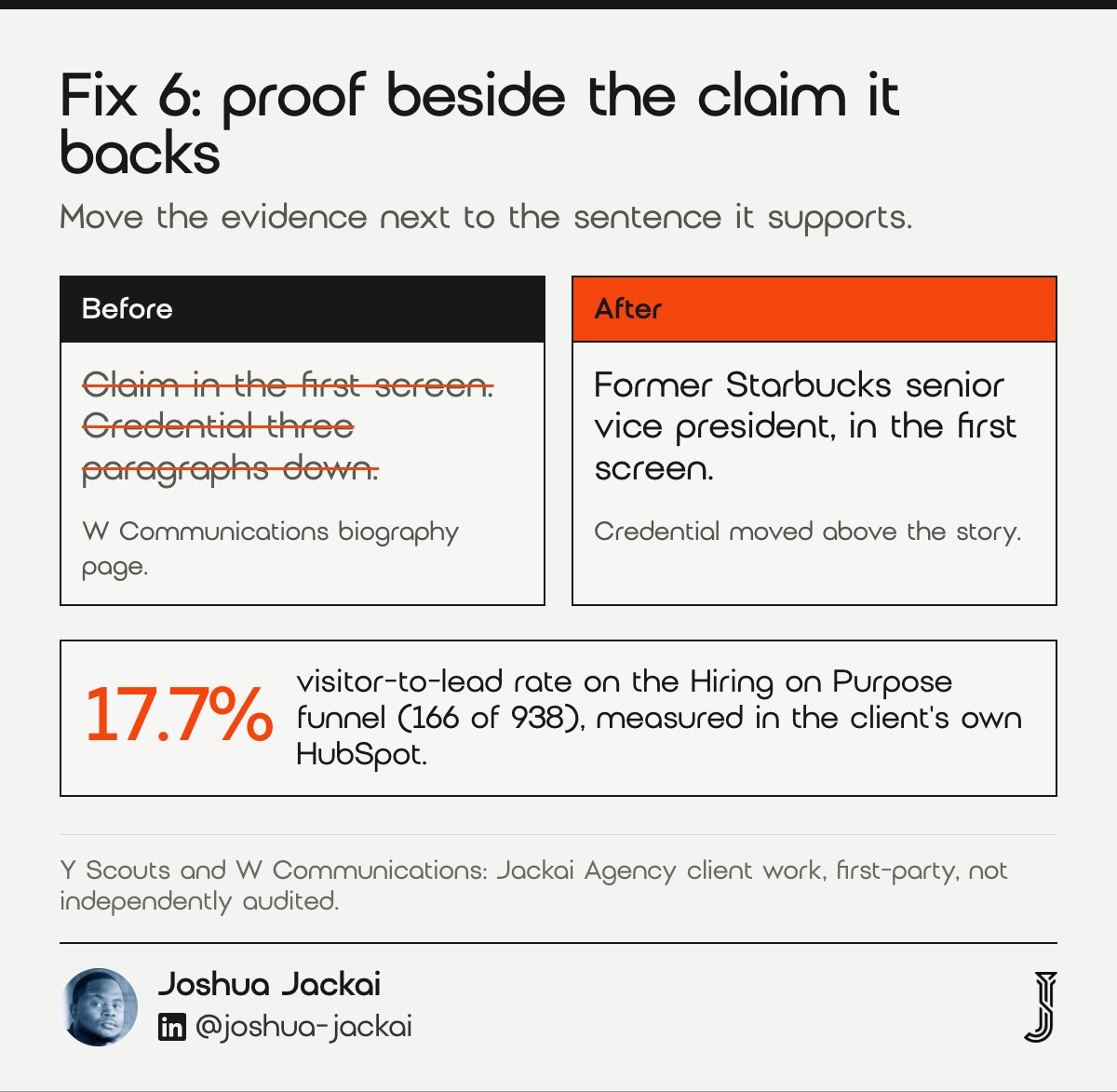
On the W Communications biography page, the founder’s credential, former Starbucks senior vice president, sat below several paragraphs of story. I moved it above the story, into the first screen. W Communications, a Seattle communications and speaking practice, had four audiences arriving at one homepage, and I rebuilt the WordPress site so each audience gets its own path. No analytics survived the rebuild, so the W Communications case study carries no result number.
The same rule applies to numbers I quote about my own work. Results belong to the period the work ran. Y Scouts, an executive search firm in Scottsdale running WordPress and HubSpot together, had a free book whose capture path was not wired. I rebuilt it in HubSpot with automated delivery and UTM tracking. The Hiring on Purpose funnel converts visitors to leads at 17.7% (166 of 938), measured in the client’s HubSpot. My work contributed to that rate. The content belongs to the founder and her consultants.
“If your page promises a six-week build, the evidence for six weeks belongs next to that sentence,” wrote Joshua Jackai, Vancouver web designer.
7. State scope, process and a price signal on service pages: more than one reader
More than one person reads your service pages. In a study of purchases at 31 firms, the makeup of the buying group changed with what was being bought and how the company was organized (Johnston and Bonoma, 1981). Your champion forwards the page to people who never saw your ads.
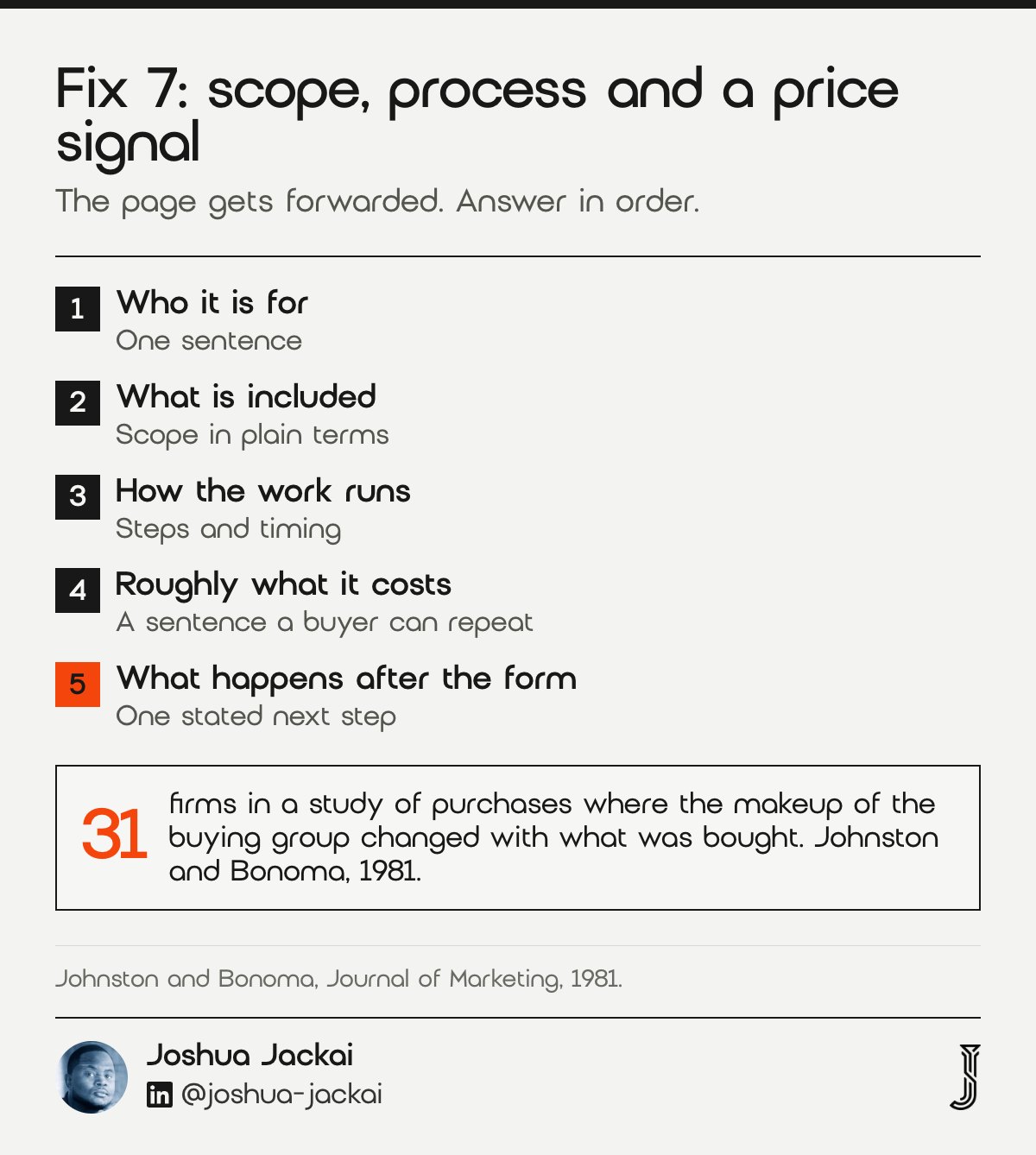
- Order: who it is for, what is included, how the work runs, rough cost, what happens after the form
- Price: a sentence a buyer can repeat to a partner
- Example: Rufous & Co services page, scope and process, one ask
- Effort: about 1 week for a set of pages
- Skip: a three-column feature table with no sentences
Each service page should answer, in order: who it is for, what is included, how the work runs, roughly what it costs and what happens after the form. Rufous & Co, a Seattle interior design studio selling on Shopify, had a services page with no process or scope. The rebuilt Rufous & Co page states scope and process, then asks once, for the brief. No performance data was verified, so I claim no number.
Price is the part firms skip. Snappy Kraken’s old pricing page was a 3-column feature table with no sentence for a buyer who has to justify the number to a partner. The rebuild has 1 focal action per screen, plan differences written as sentences and the objection answered beside the price. A buyer who cannot repeat your price in one sentence to a partner will not forward the page. A rough range, a starting figure or a clear statement of what moves the number is enough to keep the conversation alive. I would rather lose a buyer who cannot afford the work on day one than spend three calls finding out.
“Your champion forwards the page to people who never saw your ads,” wrote Joshua Jackai, Vancouver web designer.
8. Match the ask to how you sell: calendar, brief or demo
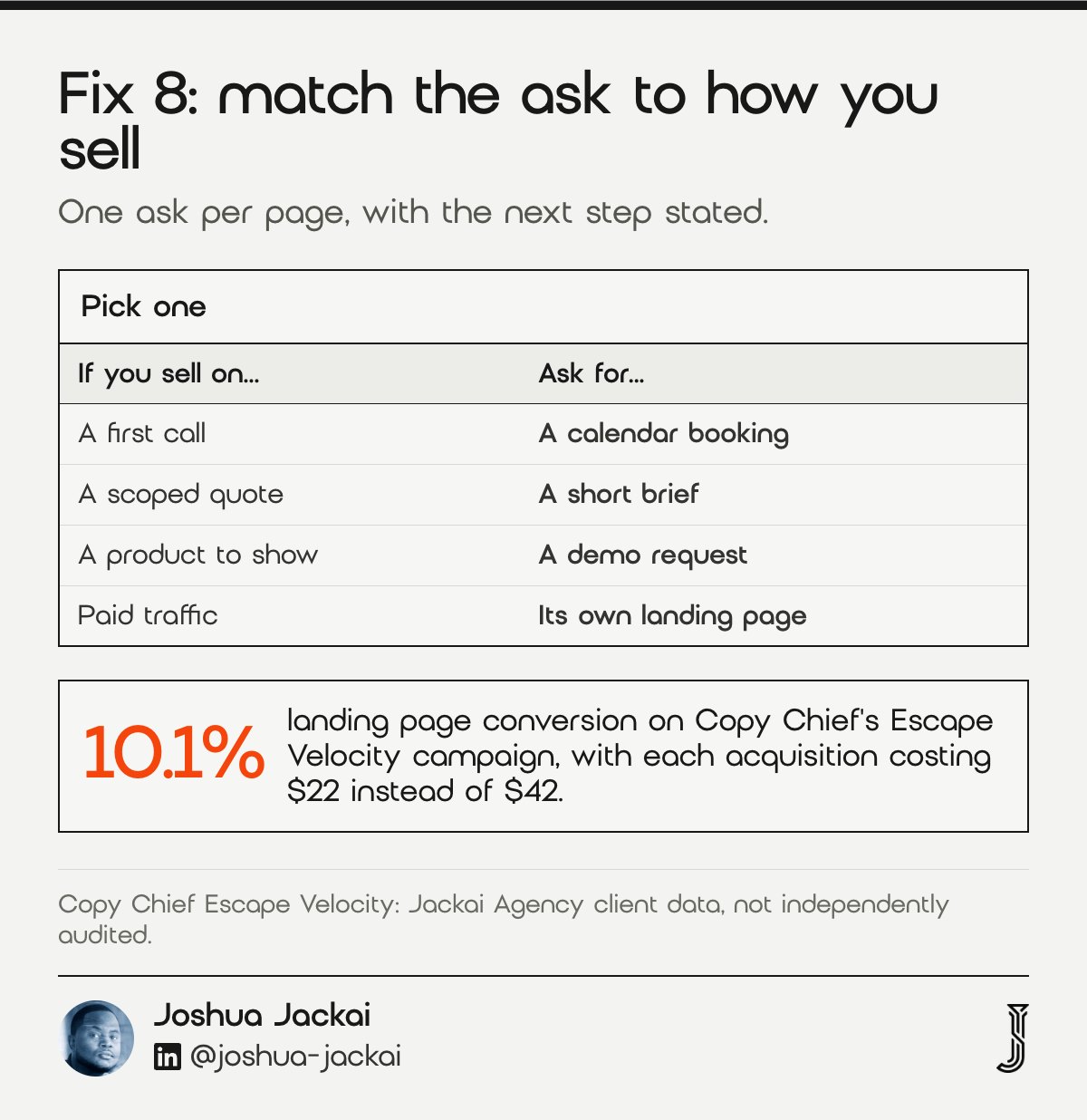
If your team sells on a first call, put a calendar on the page. If you need a brief before you can quote, ask for the brief. Offering three different asks on one page splits attention and makes the follow-up harder to plan.
- First-call sale: real-time calendar booking beside proof
- Quote needs a brief: a short brief form, with what happens next
- Paid traffic: its own landing page, not the homepage
- Effort: about 2 days
- Detail: B2B landing page anatomy
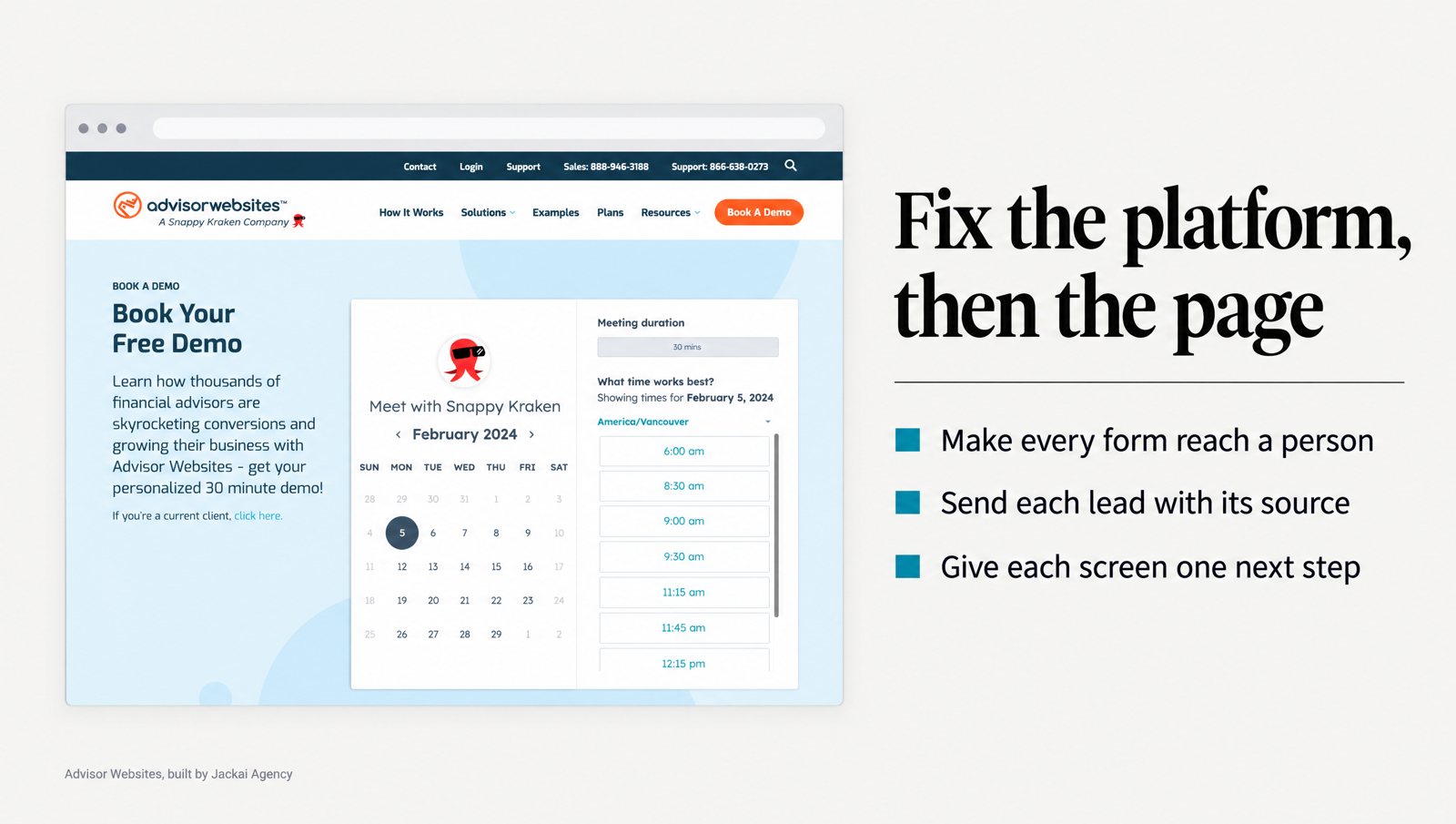
The old Advisor Websites booking page asked for a decision before it gave a reason. I replaced the demo request form with real-time calendar booking, beside a CEO video and named testimonials.
Paid traffic needs its own page. Copy Chief, a copywriting education business in St. Petersburg, Florida, runs on WordPress and ClickFunnels. On its Escape Velocity campaign, Meta ads into a mobile-first funnel, the landing page converted at 10.1%. Each acquisition cost $22 instead of $42. These are Jackai Agency client figures, not independently audited.
The pattern behind both results is the same: the page asks for one thing, the thing matches how the business actually sells, and the next step is stated. A calendar suits a firm that sells on a first call. A short brief form suits a firm that must scope work before quoting. A demo request suits software with a product to show. Pick one per page, say what happens after the click, and send paid traffic to a page built for that single ask rather than to a homepage that tries to serve every visitor at once.
“Put a calendar on the page if your team sells on a first call,” wrote Joshua Jackai, Vancouver web designer.
“Results belong to the period the work ran,” wrote Joshua Jackai, Vancouver web designer.
Which of the 8 fixes should you do first?
Start with the fix that matches your symptom. If sales says an enquiry never arrived, start at fix 1. If every lead says “website” or “direct”, start at fix 2. If pages are slow on phones, start at fix 3. Filter the table to find yours.
| Fix | Symptom it answers | Effort (my estimate) | You hold |
|---|---|---|---|
| 1. Forms reach a person | Sales never got the enquiry | 1 day | A tested form with stored entries |
| 2. Lead carries its source | Every source says website or direct | 2 weeks | UTM chain and hidden CRM fields |
| 3. Fast service pages | Slow loads on phones | 1 week | A mobile speed read and a short fix list |
| 4. Team edits without a developer | Three changes a year | 3 weeks | Reusable components with locked styles |
| 5. One next step up front | Visitors leave on the first screen | 2 days | One primary action |
| 6. Proof beside the claim | Claims with no evidence nearby | 1 day | Evidence moved next to each claim |
| 7. Scope, process and price | Forwarded pages answer nothing | 1 week | Rewritten service pages |
| 8. Ask matches the sale | Three asks, no replies | 2 days | One ask with a stated next step |
How many qualified leads could a fix recover?
A fix recovers leads only where leads are being lost. The calculator multiplies your own numbers by a loss rate you choose. The defaults are placeholders, not benchmarks; replace the loss rate with what your form test and CRM show.
Qualified leads a month a fix could recover. Defaults are placeholders, not benchmarks.
How do you measure B2B conversion rate optimization against your sales process?
Measure it in the CRM, not in a page tool. Form conversion is the page’s number. Qualified leads and first meetings are the firm’s. Y Scouts’ 17.7% is read from the client’s own HubSpot dashboard, which is why I trust it.
Many B2B service pages lack the traffic for a clean A/B test, so I compare periods instead. Ship one meaningful change, hold it for a full sales cycle, then compare qualified leads with the same length of time before. Change three things at once and you will not know which one worked.
Be honest about what the numbers cannot separate. At Y Scouts, inbound MQLs rose from 17 to 30 in Q3 2025 while a weekly video cadence ran, and my work contributed to that rise. When publishing paused in Q4, YouTube views fell back to 483 a month. Results belong to the period the work ran.
And if your service pages get a few hundred visits a month, conversion rate optimization alone will not fill the calendar. That is a demand problem. Seal the platform leaks, then buy traffic, and let your website ROI numbers pick the channel.
What does B2B conversion rate optimization cost, and what would I skip?
Here is how I match a symptom to a fix, from a form that loses enquiries to a service page nobody can edit. Prices come from my current price table, in Canadian dollars, and every quote is fixed before work starts.
| What you see | Layer | First fix | Price |
|---|---|---|---|
| Sales says “we never got that enquiry” | Platform: form | Test, reroute and store every form entry | Care plan, CA$279/hr |
| Every lead’s source says “website” or “direct” | Platform: handoff | Lead Source Reporting, 2 weeks | CA$2,600 |
| Service pages are slow on phones | Platform: speed | Remove unused scripts, compress images, review hosting | Care plan, CA$279/hr |
| Every edit needs a developer | Platform: editing | Rebuild on components your team can edit, up to 5 pages | From CA$7,450 on Framer to CA$9,700 on HubSpot |
| Paid traffic has low form conversion | Page: campaign | Landing Page Design, 1 to 2 weeks | From CA$3,795 |
| You are not sure where it breaks | Both | Website Audit, 1 week | CA$995 |
Project quotes are fixed, with two revision rounds per phase, and you own the site, domain and hosting. If the leak is in lead source tracking, that two-week job comes before any page work. What I would skip:
- Button color tests on pages with a few hundred visits a month. At that volume, a test needs months to show a difference you can trust.
- Exit pop-ups on phones. They cover the page the visitor came to read.
- A platform switch before the form works. Moving a leak keeps the leak.
- A rebuild without a measurement plan. If the old numbers do not survive, you cannot show what changed.
B2B conversion rate optimization questions answered
What is B2B conversion rate optimization?
B2B conversion rate optimization is the work of raising the share of website visitors who become qualified leads or first meetings. It covers the platform (forms, source tracking, speed, editing) and the page (first screen, proof, service pages, the ask), judged against your own sales process.
Why does my B2B website get visits but few leads?
Check the platform before the page. Test that every form reaches a person, that the lead record carries its source, and that service pages load fast on a phone. If those hold, the page is the next suspect: first screen, proof and the ask.
How long does B2B conversion rate optimization take to show results?
Hold each change for one full sales cycle, then compare qualified leads with the same length of time before. Platform fixes such as form routing show up within days, because a lost lead becomes a found one. Page changes need a cycle to read.
Do small B2B sites need A/B testing?
Usually not. Service pages with a few hundred visits a month cannot support a clean test in a reasonable time. Compare periods instead: ship one meaningful change, hold it for a full sales cycle, and read the result in the CRM.
Where is your site losing the lead?
None of these fixes need more traffic. Same visitors. Same services. Same sales team. They need the path from form to first call to hold, and the quickest way to see where it breaks is to read your own analytics and funnel page by page.
To find where yours breaks, the CA$995 Website Audit is a one-week read of your analytics and funnel, page by page. You get a ranked list of what is costing you leads, with the reason for each item, plus a free AI Visibility Report. The fee is credited in full against a build (current terms on the offers page).
Sources
Peer-reviewed research
- Bargas-Avila, J. A., Oberholzer, G., Schmutz, P., de Vito, M., and Opwis, K. (2007). Usable error message presentation in the World Wide Web: Do not show errors right away. Interacting with Computers, 19(3), 330-341.
- Chernev, A., Böckenholt, U., and Goodman, J. (2015). Choice overload: A conceptual review and meta-analysis. Journal of Consumer Psychology, 25(2), 333-358.
- Ghose, A., Goldfarb, A., and Han, S. P. (2013). How is the mobile Internet different? Search costs and local activities. Information Systems Research, 24(3), 613-631.
- Homburg, C., Jensen, O., and Krohmer, H. (2008). Configurations of marketing and sales: A taxonomy. Journal of Marketing, 72(2), 133-154.
- Iyengar, S. S., and Lepper, M. R. (2000). When choice is demotivating: Can one desire too much of a good thing? Journal of Personality and Social Psychology, 79(6), 995-1006.
- Johnston, W. J., and Bonoma, T. V. (1981). The buying center: Structure and interaction patterns. Journal of Marketing, 45(3), 143-156.
- Lindgaard, G., Fernandes, G., Dudek, C., and Brown, J. (2006). Attention web designers: You have 50 milliseconds to make a good first impression! Behaviour and Information Technology, 25(2), 115-126.
- Nah, F. F.-H. (2004). A study on tolerable waiting time: How long are Web users willing to wait? Behaviour and Information Technology, 23(3), 153-163.
Industry and vendor data (not peer reviewed)
- Google, web.dev (checked October 2026). Largest Contentful Paint: sites should aim for 2.5 seconds or less.
- Jackai Agency client data (Y Scouts, Copy Chief, Advisor Websites, Snappy Kraken): first-party, measured in the clients’ own systems, not independently audited.