



































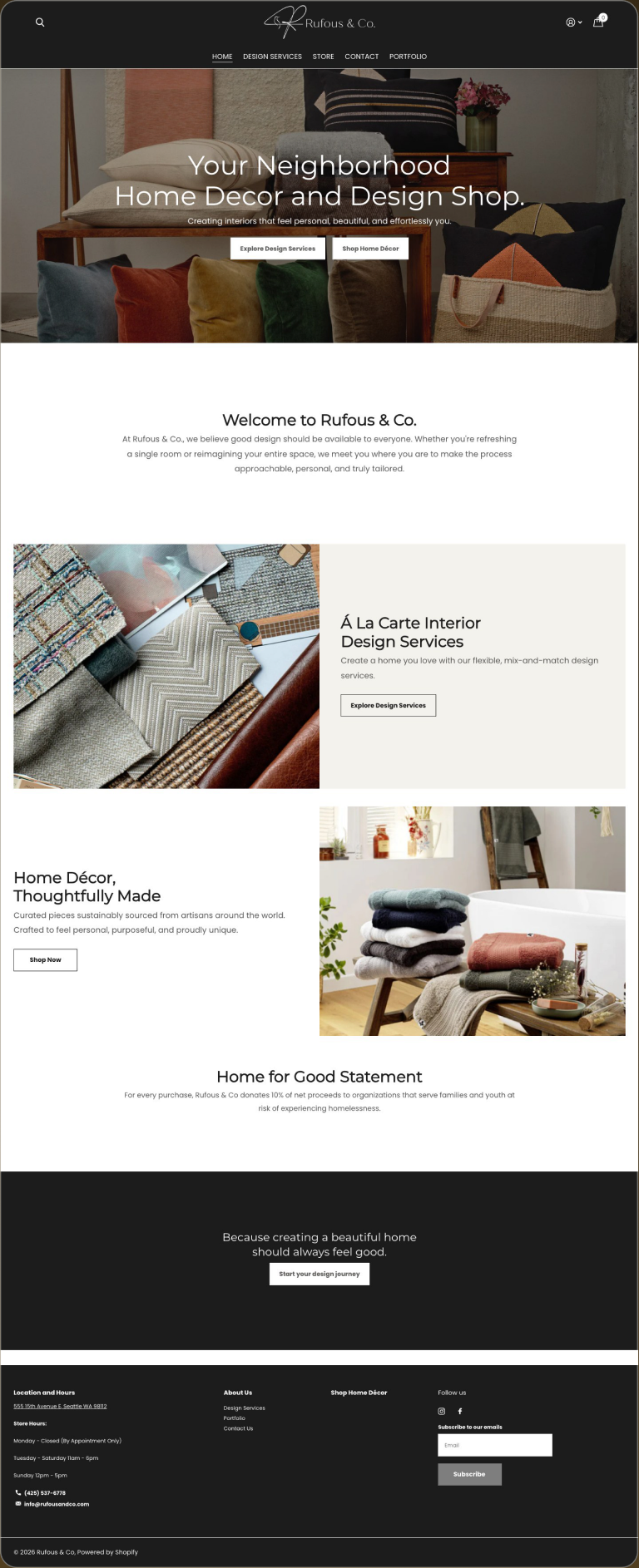
Store builds and catalogue moves, before and after
Scroll inside each frame to read the whole page.
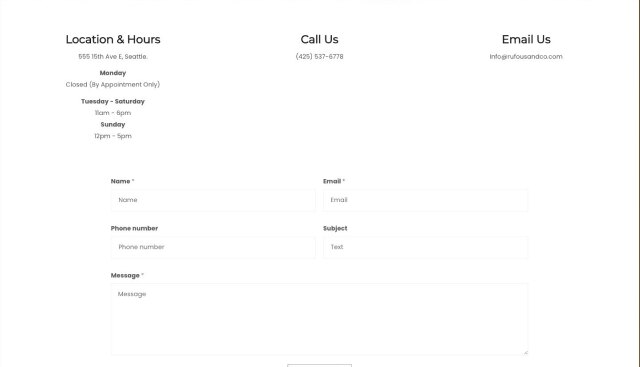
Rufous & Co.
5 page types, 2 revenue linesA design studio running a services practice and a store, rebuilt on Shopify.

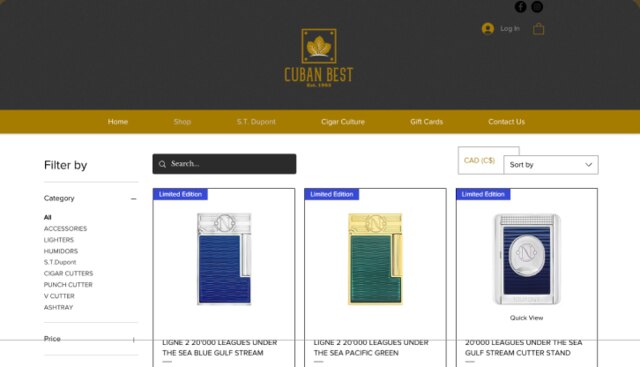
Cubanbest
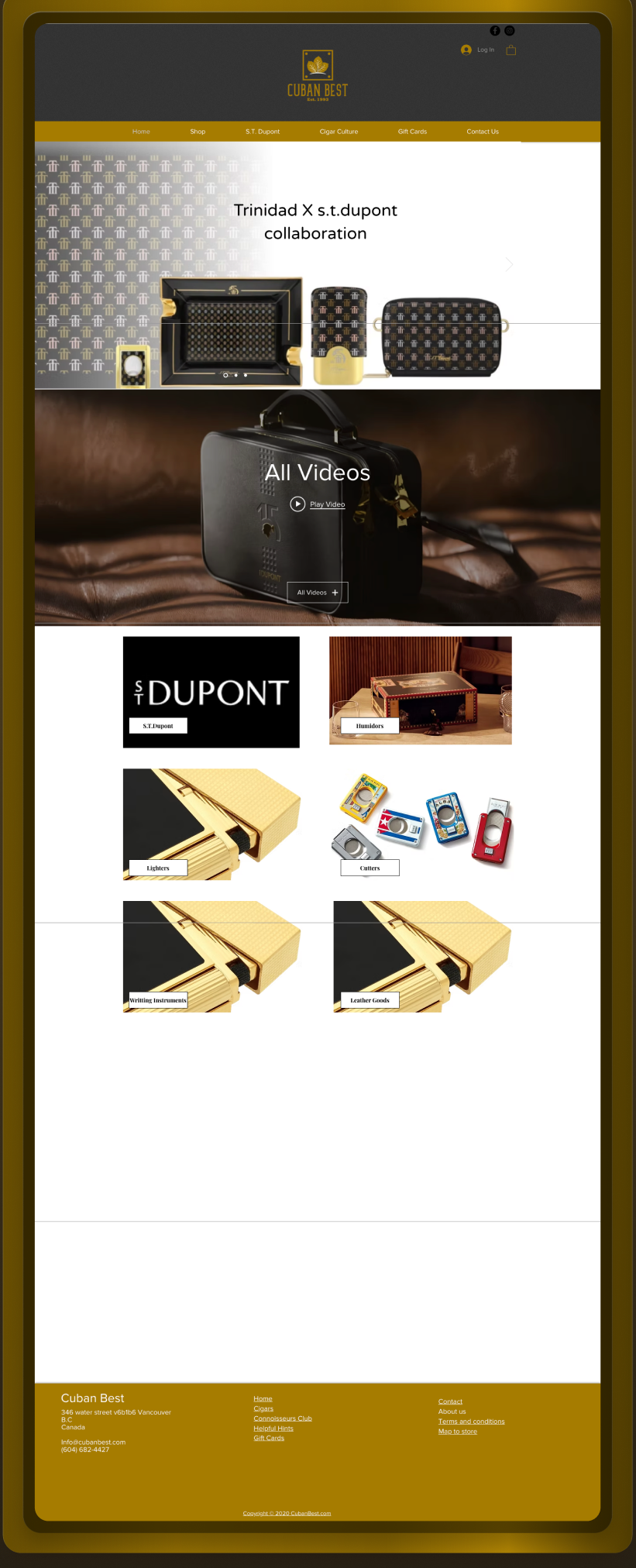
638 SKUs, Wix to WooCommerceA cigar retailer's Wix store rebuilt on WordPress, WooCommerce and Bricks.

Can you migrate WordPress to Shopify without losing SEO?
Yes. A WordPress to Shopify migration preserves rankings when every WooCommerce URL is mapped to its Shopify equivalent and 301-redirected one-to-one, content depth carries over, and Search Console is monitored after launch.
How does the migration work, step by step?
- Step 1
Catalogue export and map
Products, variants, customers and orders exported from WooCommerce and mapped to Shopify's model.
- Step 2
Theme build on the system
Storefront rebuilt from tested blocks. Product and collection templates designed for conversion.
- Step 3
URL mapping and redirects
WooCommerce URL patterns differ from Shopify's. Every product, collection and post gets a one-to-one 301.
- Step 4
Cutover and verify
DNS cutover, pixels re-verified, checkout tested end to end, Search Console monitored.
Build your quote in sixty seconds
Pick the service, answer three questions, get a fixed price. A five-page Shopify build with migration starts at CA$11,500.
Questions, answered
Do products, customers and orders survive the move?
Yes. Products, variants, images, customers and order history migrate. The mapping is planned before anything moves so nothing is orphaned.
Will WooCommerce URLs break?
WooCommerce and Shopify use different URL patterns, so every product, collection and post is 301-redirected one-to-one. That is the step that protects rankings.
Why move from WordPress to Shopify at all?
When commerce is the business, Shopify removes plugin upkeep, security patching and checkout maintenance. Your team merchandises instead of maintaining.
What does the migration cost?
A five-page Shopify build with migration starts at CA$11,500. Catalogue size and template count move the number, and the calculator above prices it before work starts.

One senior designer, first call to launch
I am Joshua Jackai, an American designer based in Vancouver. You work with me directly on strategy, design and build. No account team, no hand-offs, and the record above is mine.
Get an EstimatePick a time. We measure your starting numbers on the call.
Mobile conversion rate, AI-referred traffic and lead count, measured before any work starts. You leave with the window and the number, whether or not you hire me.
If the calendar does not load here, the host is blocking the frame. Open it in a new tab with the link above.

